Fashion-MNIST Dataset#

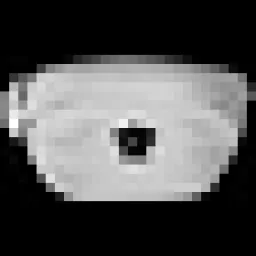
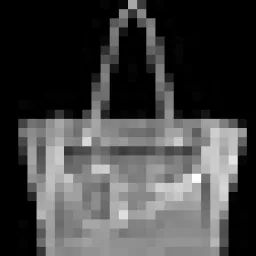
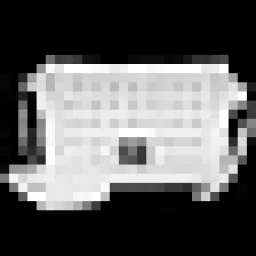
The Fashion-MNIST dataset is an image classification benchmark of 70,000 28x28 grayscale images of Zalando's clothing articles, evenly split across 10 classes — T-shirt/top, trouser, pullover, dress, coat, sandal, shirt, sneaker, bag, and ankle boot. It ships with a predefined split of 60,000 training and 10,000 test images (7,000 per class) and serves as a drop-in replacement for the original MNIST dataset for benchmarking machine learning algorithms. For the color-image equivalent, see the related CIFAR-10 dataset.
Explore Fashion-MNIST on Ultralytics Platform to preview samples, inspect dataset statistics, and clone it for training.
Key Features#
- Fashion-MNIST contains 70,000 grayscale images of 28x28 pixels, evenly divided into 10 classes.
- Each class holds exactly 7,000 images — 6,000 for training and 1,000 for testing — so the dataset is perfectly balanced.
- It is a drop-in replacement for MNIST: identical image size, format, and split structure, but with harder clothing categories instead of handwritten digits.
- The dataset ships with a predefined train/test split, so no manual or automatic splitting is required.
- Fashion-MNIST is a standard benchmark for image classification and deep learning research.
Dataset Structure#
Fashion-MNIST ships with an official, predefined split, so no automatic or manual partitioning is needed:
- Classes: 10 (T-shirt/top, trouser, pullover, dress, coat, sandal, shirt, sneaker, bag, ankle boot)
- Total images: 70,000 (28x28 grayscale)
- Training set: 60,000 images (6,000 per class)
- Test set: 10,000 images (1,000 per class)
Fashion-MNIST has no separate validation folder, so Ultralytics uses the 10,000-image test set as the validation split during training by default.
Applications#
Fashion-MNIST is widely used to train and evaluate image classification models, from classic Convolutional Neural Networks (CNNs) and Support Vector Machines (SVMs) to modern deep architectures. Its small grayscale images and 10 clothing categories make it a fast, reproducible benchmark for algorithm comparison and computer vision experimentation, while being more challenging than the handwritten digits of MNIST.
Usage#
Train a YOLO model on Fashion-MNIST for 100 epochs at an image size of 28. For the full list of available arguments, see the Training page and the image classification task guide.
from ultralytics import YOLO

# Load a model
model = YOLO("yolo26n-cls.pt")  # load a pretrained model (recommended for training)

# Train the model
results = model.train(data="fashion-mnist", epochs=100, imgsz=28)
Sample Images and Annotations#
Sample images from the Fashion-MNIST dataset:
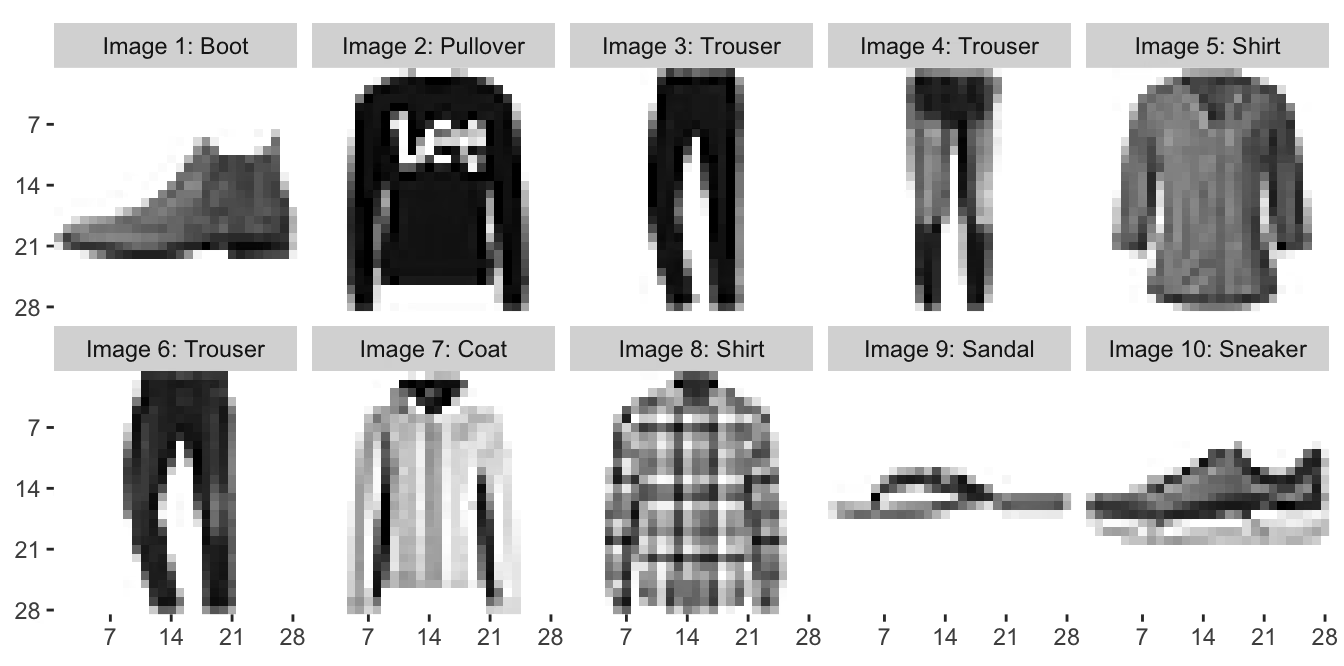
The samples show the variety of clothing categories in the Fashion-MNIST dataset, underlining the value of a varied dataset for training robust image classification models.
Citations and Acknowledgments#
If you use the Fashion-MNIST dataset in your research or development work, please cite the following paper:
@article{xiao2017fashion,
         title={Fashion-MNIST: a Novel Image Dataset for Benchmarking Machine Learning Algorithms},
         author={Han Xiao and Kashif Rasul and Roland Vollgraf},
         year={2017},
         eprint={1708.07747},
         archivePrefix={arXiv},
         primaryClass={cs.LG}
}
We would like to acknowledge Zalando Research for creating and maintaining the Fashion-MNIST dataset as a valuable resource for the machine learning and computer vision research community. For more information about the Fashion-MNIST dataset and its creators, visit the Fashion-MNIST GitHub repository.
FAQ#
The Fashion-MNIST dataset is a benchmark of 70,000 28x28 grayscale images of Zalando's clothing articles across 10 classes, created as a drop-in replacement for the original MNIST dataset. It shares MNIST's exact image size, format, and 60,000/10,000 train/test split, but replaces handwritten digits with harder fashion categories — such as T-shirt/top, trouser, and ankle boot — making it a more demanding benchmark for image classification models.
To train an Ultralytics YOLO model on Fashion-MNIST, use the code snippets below. The dataset downloads automatically on first use. For a full list of arguments, see the model Training page.
Train Examplefrom ultralytics import YOLO # Load a model model = YOLO("yolo26n-cls.pt") # load a pretrained model (recommended for training) # Train the model results = model.train(data="fashion-mnist", epochs=100, imgsz=28)Fashion-MNIST has 10 classes — T-shirt/top, trouser, pullover, dress, coat, sandal, shirt, sneaker, bag, and ankle boot — with exactly 7,000 images each, for 70,000 images in total. Every image is a 28x28 grayscale picture of a single Zalando clothing article, and the classes are perfectly balanced.
Fashion-MNIST ships with a predefined split of 60,000 training images and 10,000 test images, with exactly 6,000 training and 1,000 test images per class. Unlike folder-based classification datasets that Ultralytics splits automatically, Fashion-MNIST's official partition is used as-is, and the test set serves as the validation split during training by default.
Yes. Ultralytics Platform lets you manage datasets, train image classification models, and deploy them without extensive coding. It is a convenient way to run Fashion-MNIST experiments in the cloud, and you can explore more options in our classification datasets overview.