Trash and Restore#
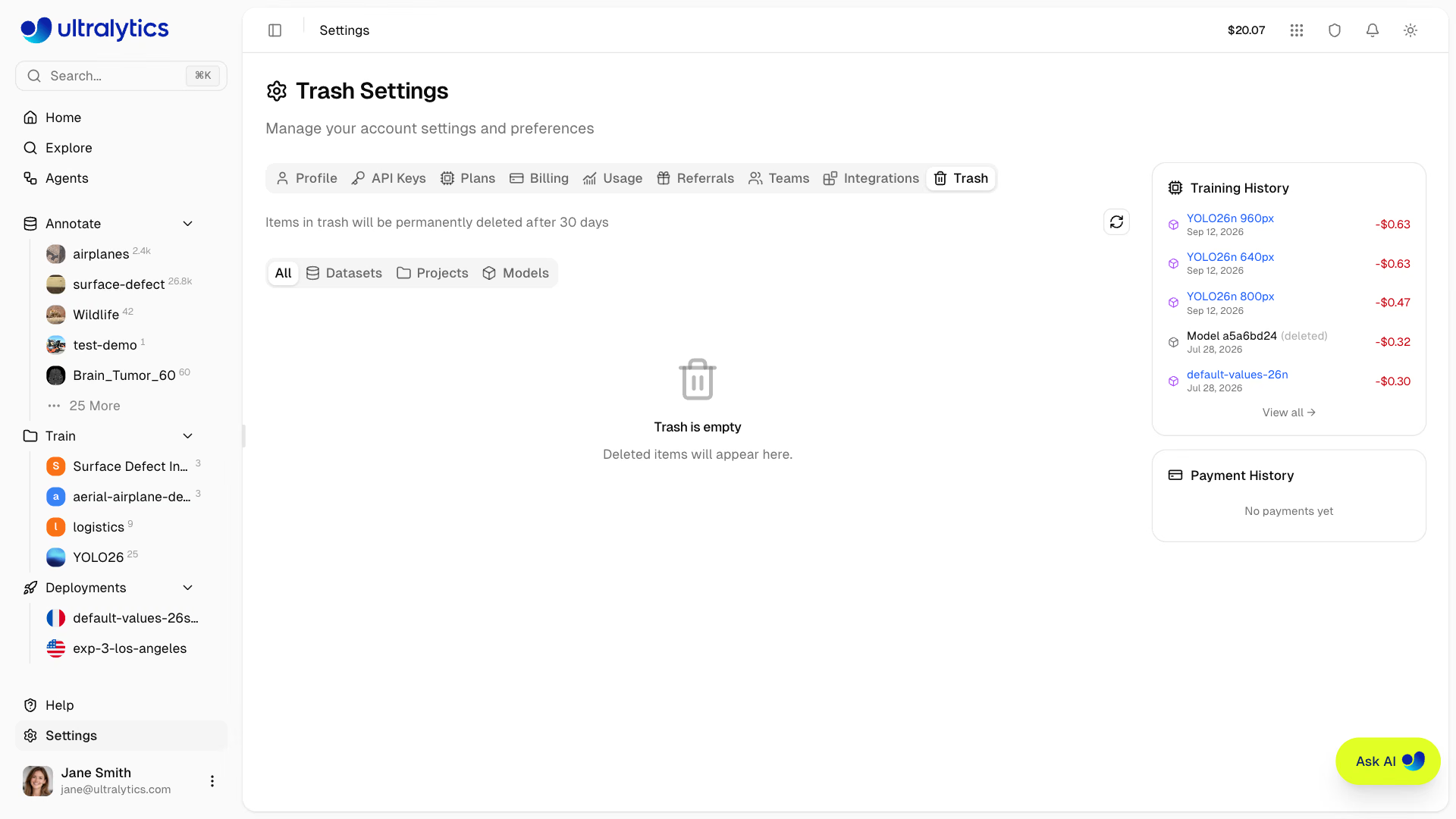
Ultralytics Platform implements a 30-day soft delete policy, allowing you to recover accidentally deleted projects, datasets, and models. Deleted items are moved to Trash where they can be restored before permanent deletion.
Soft Delete Policy#
When you delete a resource on the platform:
- Immediate: Item moves to Trash (not permanently deleted)
- 30 Days: Item remains recoverable in Trash
- After 30 Days: Item is permanently deleted automatically
You have 30 days to restore any deleted item. After this period, the item and all associated data are permanently removed and cannot be recovered.
Accessing Trash#
Navigate to your Trash:
- Go to Settings and click the Trash tab
- Or navigate directly to
/trash(redirects toSettings > Trash)
Trash Contents#
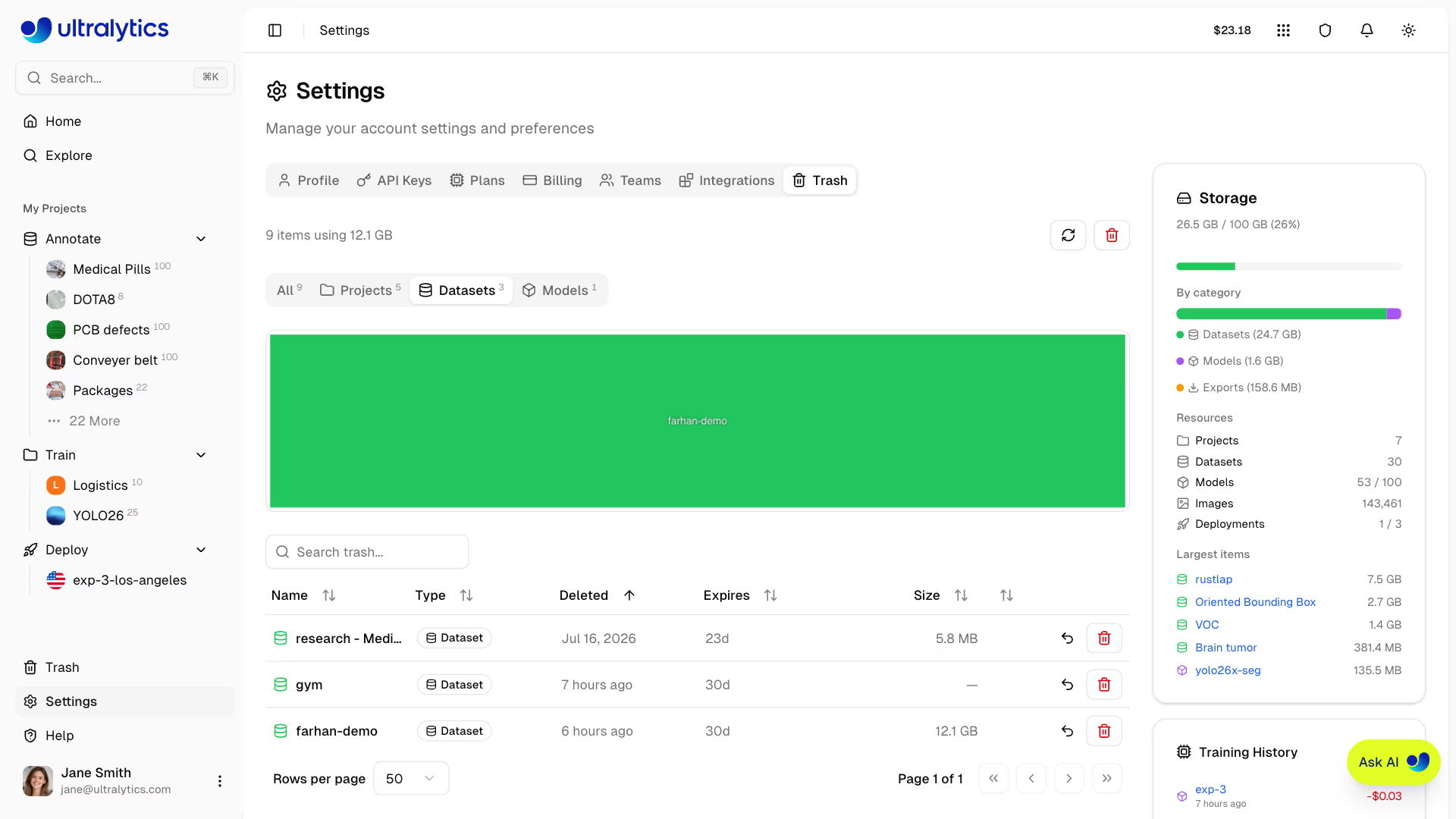
The Trash shows all soft-deleted resources with filter tabs, each showing a live count, plus a search box that matches on name and type:
| Filter | Shows |
|---|---|
| All | All trashed items |
| Datasets | Trashed datasets |
| Projects | Trashed projects |
| Models | Trashed models |
Viewing Trash Items#
Each item in Trash displays:
| Field | Description |
|---|---|
| Name | Original resource name |
| Type | Project, Dataset, or Model (color-coded) |
| Deleted | How long ago the item was deleted |
| Expires | Days until permanent deletion (e.g. "30d"), amber under 15 days and red under 8 |
| Size | Storage used by the item |
| Cascaded | Child items included, shown as a +N badge next to the name |
(Parent project information is returned by the Trash API for models but is not shown in the Trash table.)
Cascade Behavior#
When deleting a parent resource, child resources are also moved to Trash:
| Resource Type | What's Included When Deleted |
|---|---|
| Projects | Project + all models inside |
| Datasets | Dataset + all images and annotations |
| Models | Model weights + training history + exports |
Trashing a model — or a project containing one — cancels any cloud training that model has in progress and terminates its GPU instance. Elapsed GPU time is still billed. See Billing.
Storage Treemap#
The Trash tab includes a storage visualization (treemap) showing the relative size of trashed items, color-coded by type:
- Blue: Projects
- Green: Datasets
- Purple: Models
Restoring Items#
Recover a deleted item (Editor role or higher in a team workspace):
- Navigate to Settings > Trash
- Find the item you want to restore
- Click the Restore button (undo icon)
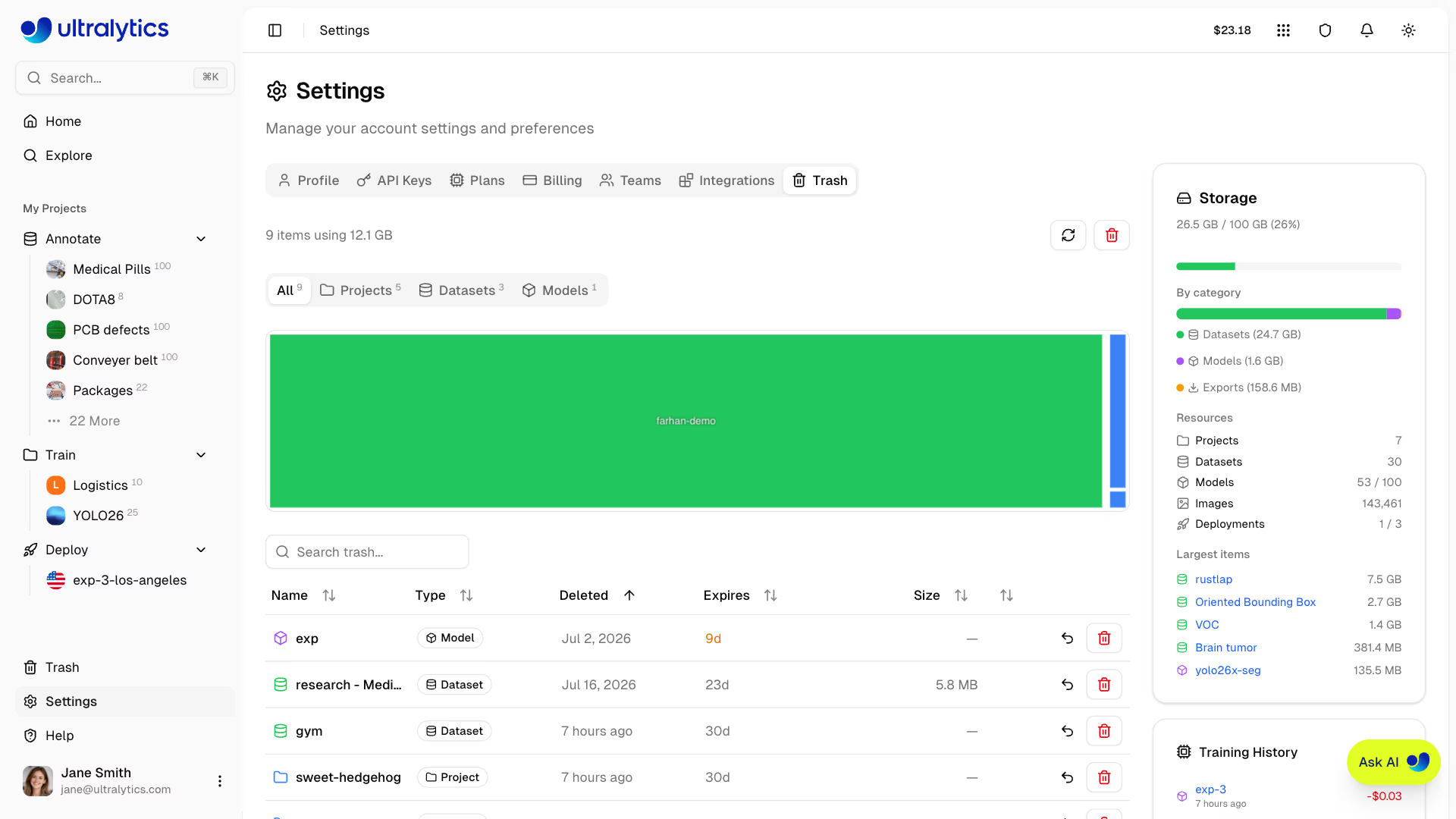
The item returns to its original location with all data intact.
If the original slug is already taken, the platform restores the item with a unique available slug so you can access it immediately.
Restore Behavior#
| Resource | Restore Behavior |
|---|---|
| Project | Restores project and all contained models |
| Dataset | Restores dataset with all images and annotations |
| Model | Restores model to original project if the project is active |
Restoring a model fails if its parent project is in Trash. You'll see the error: "Cannot restore model while its parent project is in trash. Restore the project first." Always restore the parent project before restoring individual models.
Permanent Deletion#
Automatic Deletion#
Items in Trash are automatically and permanently deleted after 30 days.
Empty Trash#
Permanently delete all items immediately:
- Navigate to Settings > Trash
- Click the trash icon in the header
- Confirm the action
Emptying Trash permanently deletes all items immediately. This action cannot be undone and all data will be lost, including attached deployments, export jobs, and stored files tied to the trashed resources.
Delete Single Item Permanently#
To permanently delete one item without waiting:
- Find the item in Trash
- Click the Delete permanently (trash) button on its row
- Confirm deletion — the dialog names the item and how many cascaded models go with it
For projects, permanent deletion also removes related deployments and export files that belong to the deleted workspace resources. If a deployment cannot be deleted, the Platform warns you and leaves it listed on your profile's Deployments tab; open its deployment page to retry deletion.
Storage and Trash#
Items in Trash still count toward your storage quota:
| Scenario | Storage Impact |
|---|---|
| Delete item | Storage remains allocated |
| Restore item | No change (was still counting) |
| Permanent deletion | Storage freed |
| 30-day auto-deletion | Storage freed automatically |
API Access#
Access trash programmatically via the REST API. All three operations live on the same
/api/trash path and operate on the workspace that issued the API key — to manage a team workspace's trash, use an
API key from that workspace. The Python examples use the ultralytics-platform SDK:
from ultralytics_platform import Platform

client = Platform() # reads ULTRALYTICS_API_KEYcurl -H "Authorization: Bearer YOUR_API_KEY" \
"https://platform.ultralytics.com/api/trash?type=all&page=1&limit=50"trash = client.lifecycle.trash(type="all", page=1, limit=50)type accepts all, project, dataset, or model. limit defaults to 50 and caps at 200. Listing needs
Viewer access or higher.
Restoring and deleting require Editor access or higher.
FAQ#
No. After 30 days, items are permanently deleted and cannot be recovered. Make sure to restore important items before the expiration date shown in Trash.
Both the project and all active models inside it move to Trash together. Restoring the project restores the models that were trashed with it. A cascaded model cannot be restored while its parent project remains in Trash.
Yes, items in Trash continue to use storage quota. To free up space, permanently delete items or empty Trash.
No. If a project is permanently deleted, all models that were inside it are also permanently deleted. Always restore items before the 30-day window expires.
Each item in Trash shows an "Expires" column with the number of days (e.g. "30d") until automatic permanent deletion occurs.