KITTI Dataset#
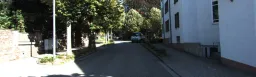
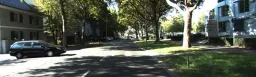
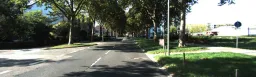
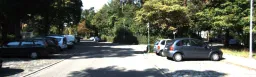

The Ultralytics KITTI dataset is a 2D object detection dataset for autonomous driving, containing 7,481 annotated images (5,985 for training and 1,496 for validation) across 8 classes — car, van, truck, pedestrian, person_sitting, cyclist, tram, and misc. Released by the Karlsruhe Institute of Technology and the Toyota Technological Institute at Chicago, its images come from real-world urban, rural, and highway driving scenes.
Watch: How to Train Ultralytics YOLO on the KITTI Dataset | Object Detection, Inference & ONNX Export 🚀
The broader KITTI Vision Benchmark Suite also spans depth estimation, optical flow, stereo vision, and visual odometry, but the Ultralytics kitti.yaml configuration here is set up for 2D object detection and is fully compatible with Ultralytics YOLO26.
Dataset Structure#
The original KITTI test set is excluded here because it has no public ground-truth annotations.
The dataset contains 7,481 annotated images covering objects such as cars, pedestrians, and cyclists, split into two predefined subsets defined by the kitti.yaml configuration:
| Split | Images | Description |
|---|---|---|
| Train | 5,985 | Labeled images for model training |
| Validation | 1,496 | Held-out images for evaluation and benchmarking |
Object Classes#
The kitti.yaml file defines 8 object classes spanning vehicles, people, and other road users commonly seen in driving scenes:
- car
- van
- truck
- pedestrian
- person_sitting
- cyclist
- tram
- misc
Applications#
The KITTI dataset supports a range of 2D detection applications in autonomous driving and robotics:
- Autonomous vehicle perception: Train models to detect and track cars, pedestrians, and cyclists so self-driving systems can navigate safely.
- ADAS development: Build driver-assistance features such as collision warning and pedestrian detection on real driving footage.
- Traffic and road-scene analysis: Detect and count vehicles and road users to study traffic flow and road safety.
- Computer vision benchmarking: Use KITTI as a standard benchmark for evaluating 2D object detection and tracking models.
To label your own driving imagery, train, and manage dataset versions in your browser, run the full workflow with Ultralytics Platform.
Dataset YAML#
Ultralytics defines the KITTI dataset configuration using a YAML file. This file specifies the dataset paths, class labels, and metadata required for training. The configuration file is available at https://github.com/ultralytics/ultralytics/blob/main/ultralytics/cfg/datasets/kitti.yaml.
# Ultralytics 🚀 AGPL-3.0 License - https://ultralytics.com/license

# KITTI dataset by Karlsruhe Institute of Technology and Toyota Technological Institute at Chicago
# Documentation: https://docs.ultralytics.com/datasets/detect/kitti
# Example usage: yolo train data=kitti.yaml
# parent
# ├── ultralytics
# └── datasets
#     └── kitti ← downloads here (390.5 MB)

# Train/val/test sets as 1) dir: path/to/imgs, 2) file: path/to/imgs.txt, or 3) list: [path/to/imgs1, path/to/imgs2, ..]
path: kitti # dataset root dir
train: images/train # train images (relative to 'path') 5985 images
val: images/val # val images (relative to 'path') 1496 images

names:
  0: car
  1: van
  2: truck
  3: pedestrian
  4: person_sitting
  5: cyclist
  6: tram
  7: misc

# Download script/URL (optional)
download: https://github.com/ultralytics/assets/releases/download/v0.0.0/kitti.zipUsage#
To train a YOLO26n model on the KITTI dataset for 100 epochs with an image size of 640, use the following commands. The dataset (390.5 MB) downloads automatically on first use. For more details, refer to the Training page.
from ultralytics import YOLO

# Load a pretrained YOLO26 model
model = YOLO("yolo26n.pt")

# Train on kitti dataset
results = model.train(data="kitti.yaml", epochs=100, imgsz=640)
You can also perform evaluation, inference, and export tasks directly from the command line or Python API using the same configuration file.
Sample Images and Annotations#
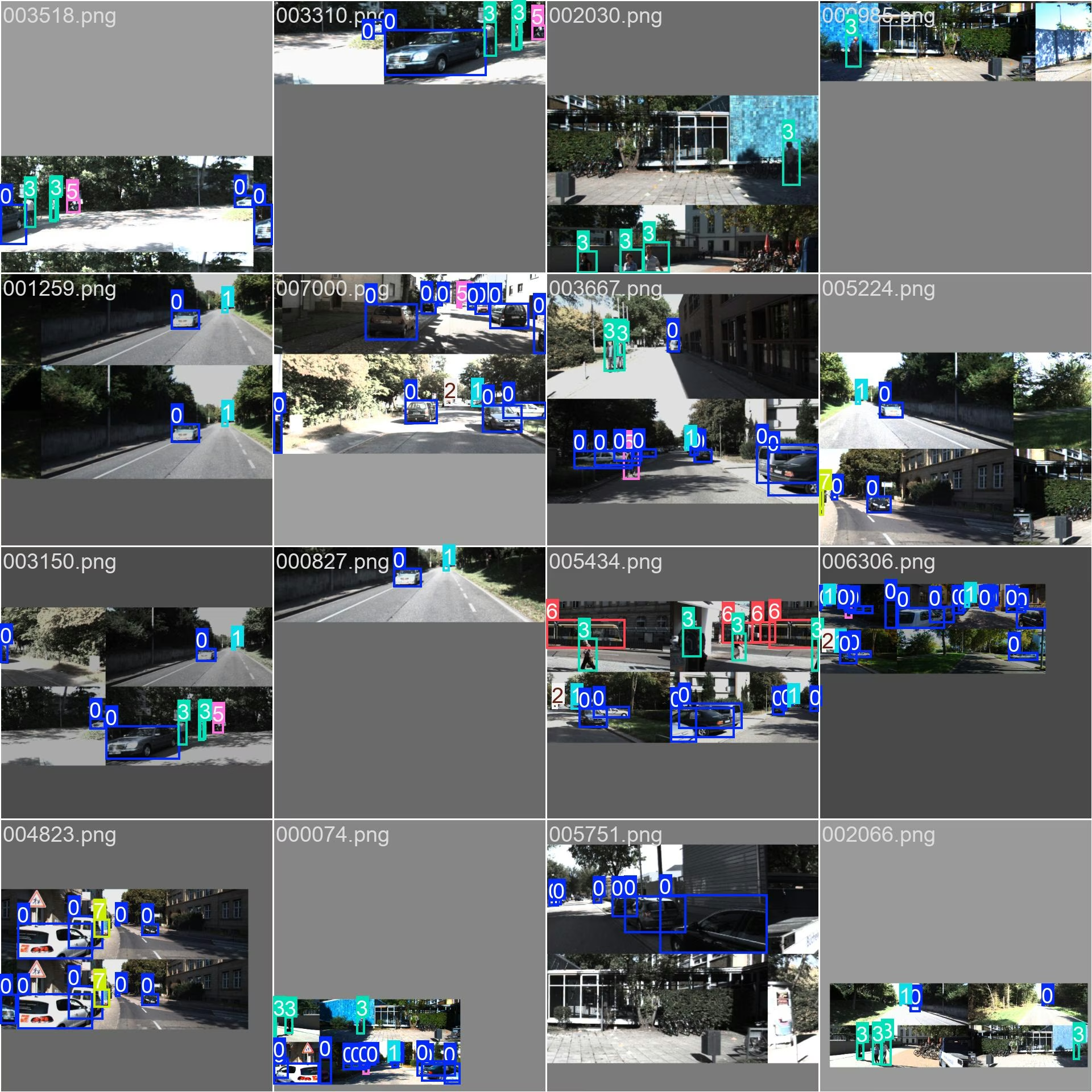
The sample below shows a driving scene from the dataset with its 2D bounding-box annotations. KITTI images span urban, rural, and highway scenes captured in real traffic, giving models varied object scales, viewpoints, and lighting.
Citations and Acknowledgments#
If you use the KITTI dataset in your research, please cite the following paper:
@article{Geiger2013IJRR,
  author = {Andreas Geiger and Philip Lenz and Christoph Stiller and Raquel Urtasun},
  title = {Vision meets Robotics: The KITTI Dataset},
  journal = {International Journal of Robotics Research (IJRR)},
  year = {2013}
}
We acknowledge the KITTI Vision Benchmark Suite for providing this comprehensive dataset that continues to shape progress in computer vision, robotics, and autonomous systems. Visit the KITTI website for more information.
FAQ#
The Ultralytics KITTI dataset is used to train and evaluate 2D object detection models for autonomous driving. It provides 7,481 annotated images across 8 classes, including cars, pedestrians, and cyclists, and is widely used for benchmarking perception models.
The Ultralytics KITTI configuration contains 7,481 images — 5,985 for training and 1,496 for validation — with no separate test split. Each image is annotated across 8 classes: car, van, truck, pedestrian, person_sitting, cyclist, tram, and misc.
No. The Ultralytics KITTI configuration provides only train (5,985 images) and validation (1,496 images) splits. The original KITTI test set is excluded because it has no public ground-truth annotations.
The dataset (390.5 MB) downloads automatically the first time you train with
data="kitti.yaml"— no manual step is required. Ultralytics fetches the images and labels and unpacks them to your local datasets directory. You can browse related datasets in the detection datasets overview.You can access the
kitti.yamlfile at https://github.com/ultralytics/ultralytics/blob/main/ultralytics/cfg/datasets/kitti.yaml. It defines the dataset paths and the 8 class names used for training.