Dataset Dog-Pose
Introduzione#
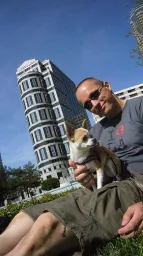
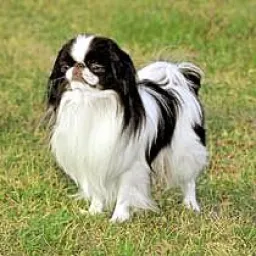
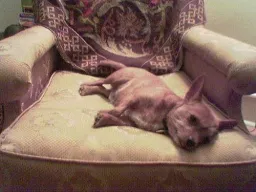
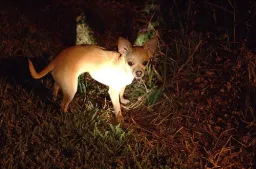
Il dataset Ultralytics Dog-Pose è un dataset di stima della posa selezionato per la stima dei punti chiave dei cani, con 6,773 immagini di addestramento e 1,703 di convalida.
Guarda: Come addestrare un modello Ultralytics YOLO sul dataset Stanford Dog Pose Estimation | Tutorial passo passo
Ogni immagine annotata include 24 punti chiave con 3 dimensioni per punto chiave (x, y, visibilità), a supporto della ricerca e delle applicazioni per la stima della posa canina.
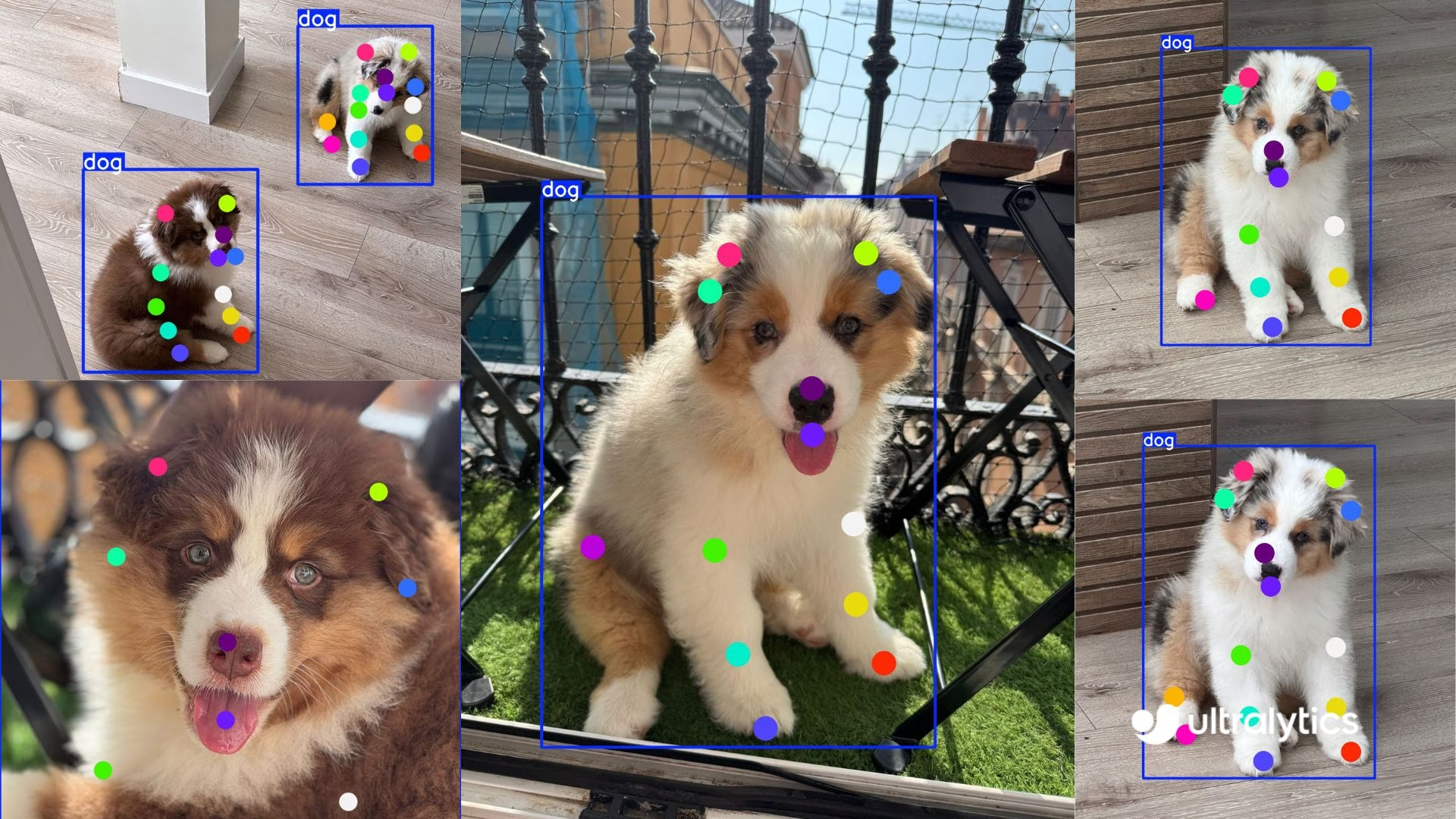
Per una razza specifica o un altro animale, Ultralytics Platform gestisce il caricamento, l'etichettatura e il training di un modello personalizzato basato sui keypoint con i tuoi dati, senza che tu debba gestire l'infrastruttura.
Struttura del dataset#
-
Immagini totali: 8.476 (6.773 train / 1.703 val), con file di etichette corrispondenti in formato YOLO.
-
Keypoint: 24 per cane, con triplette
(x, y, visibility). -
Dimensioni del download: ~337 MB.
-
Struttura:
datasets/dog-pose/
├── images/{train,val}
└── labels/{train,val}
YAML del dataset#
Un file YAML definisce la configurazione del dataset. Include percorsi, dettagli sui keypoint e altre informazioni pertinenti. Per il dataset Dog-Pose, il file dog-pose.yaml è disponibile in https://github.com/ultralytics/ultralytics/blob/main/ultralytics/cfg/datasets/dog-pose.yaml.
# Ultralytics 🚀 AGPL-3.0 License - https://ultralytics.com/license

# Dogs dataset http://vision.stanford.edu/aditya86/ImageNetDogs/ by Stanford
# Documentation: https://docs.ultralytics.com/datasets/pose/dog-pose
# Example usage: yolo train data=dog-pose.yaml
# parent
# ├── ultralytics
# └── datasets
#     └── dog-pose ← downloads here (337 MB)

# Train/val/test sets as 1) dir: path/to/imgs, 2) file: path/to/imgs.txt, or 3) list: [path/to/imgs1, path/to/imgs2, ..]
path: dog-pose # dataset root dir
train: images/train # train images (relative to 'path') 6773 images
val: images/val # val images (relative to 'path') 1703 images

# Keypoints
kpt_shape: [24, 3] # number of keypoints, number of dims (2 for x,y or 3 for x,y,visible)

# Classes
names:
  0: dog

# Keypoint names per class
kpt_names:
  0:
    - front_left_paw
    - front_left_knee
    - front_left_elbow
    - rear_left_paw
    - rear_left_knee
    - rear_left_elbow
    - front_right_paw
    - front_right_knee
    - front_right_elbow
    - rear_right_paw
    - rear_right_knee
    - rear_right_elbow
    - tail_start
    - tail_end
    - left_ear_base
    - right_ear_base
    - nose
    - chin
    - left_ear_tip
    - right_ear_tip
    - left_eye
    - right_eye
    - withers
    - throat

# Download script/URL (optional)
download: https://github.com/ultralytics/assets/releases/download/v0.0.0/dog-pose.zipUtilizzo#
Per addestrare un modello YOLO26n-pose sul dataset Dog-Pose per 100 epoche con una dimensione delle immagini di 640, puoi usare i seguenti frammenti di codice.
from ultralytics import YOLO

# Carica un modello
model = YOLO("yolo26n-pose.pt")  # carica un modello preaddestrato (consigliato per l'addestramento)

# Addestra il modello
results = model.train(data="dog-pose.yaml", epochs=100, imgsz=640)
Immagini di esempio e annotazioni#
Ecco alcuni esempi di immagini del dataset Dog-Pose, insieme alle relative annotazioni:
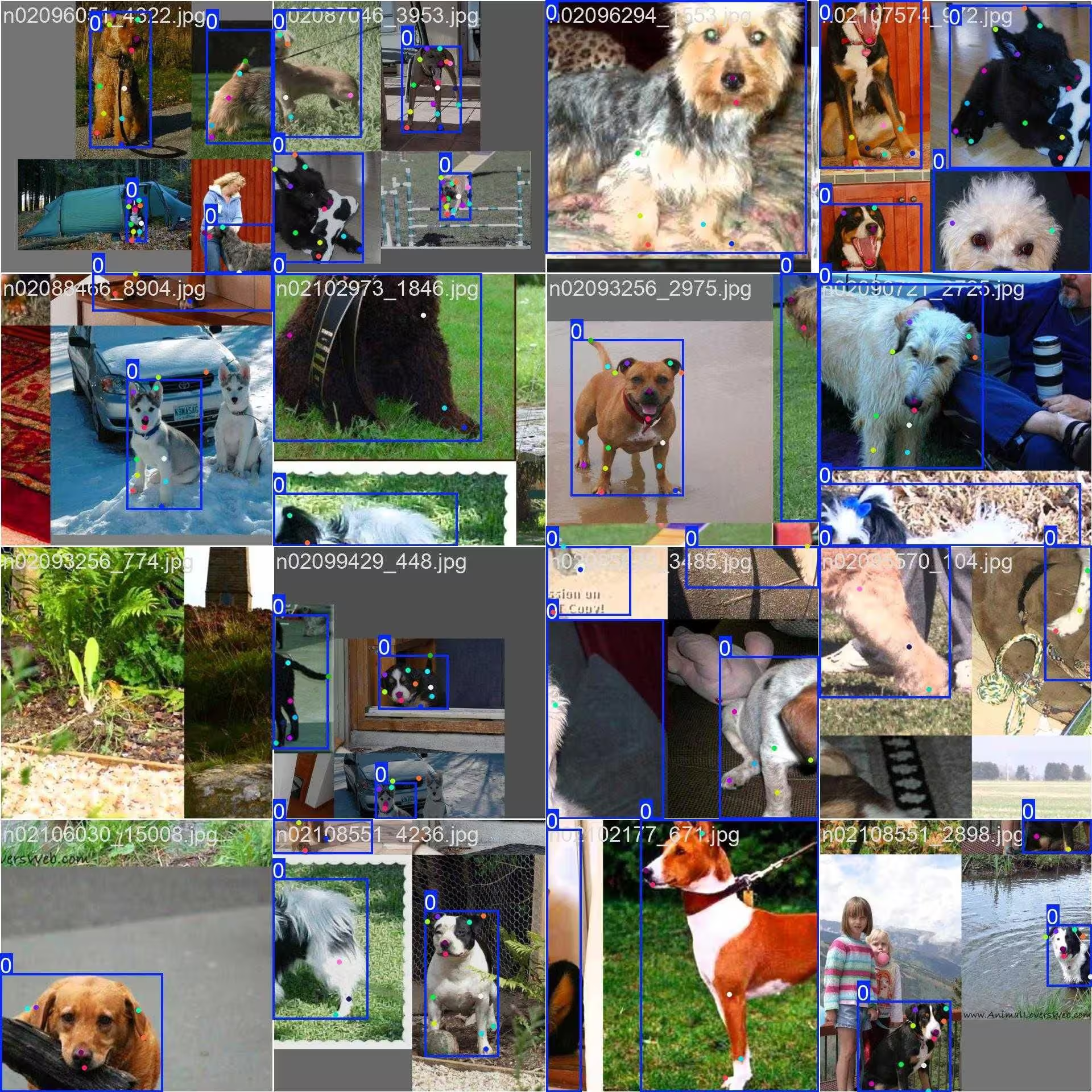
- Immagine a mosaico: questa immagine mostra un batch di addestramento composto da immagini del dataset unite in un mosaico. La creazione di mosaici è una tecnica utilizzata durante l'addestramento che combina più immagini in una sola per aumentare la varietà di oggetti e scene in ogni batch di addestramento. Questo aiuta a migliorare la capacità del modello di generalizzare a oggetti di dimensioni e proporzioni diverse e a contesti differenti.
L'esempio mostra la varietà e la complessità delle immagini del dataset Dog-Pose e i vantaggi dell'uso del mosaico durante il processo di training.
Citazioni e ringraziamenti#
Se usi il dataset Dog-Pose nel tuo lavoro di ricerca o sviluppo, cita il seguente articolo:
@inproceedings{khosla2011fgvc,
  title={Novel dataset for Fine-Grained Image Categorization},
  author={Aditya Khosla and Nityananda Jayadevaprakash and Bangpeng Yao and Li Fei-Fei},
  booktitle={First Workshop on Fine-Grained Visual Categorization (FGVC), IEEE Conference on Computer Vision and Pattern Recognition (CVPR)},
  year={2011}
}
@inproceedings{deng2009imagenet,
  title={ImageNet: A Large-Scale Hierarchical Image Database},
  author={Jia Deng and Wei Dong and Richard Socher and Li-Jia Li and Kai Li and Li Fei-Fei},
  booktitle={IEEE Computer Vision and Pattern Recognition (CVPR)},
  year={2009}
}
Desideriamo ringraziare il team di Stanford per aver creato e mantenuto questa preziosa risorsa per la comunità della visione artificiale. Per ulteriori informazioni sul dataset Dog-Pose e sui suoi creatori, visita il sito web dello Stanford Dogs Dataset.
Domande frequenti#
Il dataset Dog-Pose contiene 6,773 immagini di addestramento e 1,703 di convalida, annotate con 24 punti chiave per la stima della posa dei cani. È progettato per addestrare e convalidare modelli con Ultralytics YOLO26 e supporta applicazioni come l'analisi del comportamento animale, il monitoraggio degli animali domestici e gli studi veterinari. Le annotazioni dettagliate lo rendono adatto allo sviluppo di modelli accurati per la stima della posa canina.
Carica
yolo26n-pose.pte chiamamodel.train(data="dog-pose.yaml", epochs=100, imgsz=640)— consulta l'esempio Train Example qui sopra per gli snippet completi in Python e CLI e la pagina Training del modello per l'elenco completo degli argomenti.Con 8.476 immagini totali (6.773 per l'addestramento / 1.703 per la convalida) che coprono un'ampia varietà di razze e pose canine, e 24 keypoint in 3 dimensioni (x, y, visibilità) per annotazione, il dataset Dog-Pose offre ai modelli la copertura di scenari reali necessaria per applicazioni come il monitoraggio degli animali domestici e l'analisi del comportamento.
Il mosaico combina più immagini Dog-Pose in una singola immagine di training, aumentando la varietà di pose, dimensioni e sfondi dei cani che il modello vede a ogni iterazione; questo migliora la generalizzazione a nuovi contesti e scale e riduce l'overfitting. Per vedere esempi di immagini, consulta la sezione Immagini di esempio e annotazioni.
Il file YAML del dataset Dog-Pose si trova in https://github.com/ultralytics/ultralytics/blob/main/ultralytics/cfg/datasets/dog-pose.yaml. Questo file definisce la configurazione del dataset, inclusi i percorsi, le classi, i dettagli sui keypoint e altre informazioni pertinenti. Il file YAML specifica 24 keypoint con 3 dimensioni ciascuno, rendendo il dataset adatto ad attività dettagliate di stima della posa.
Per usare questo file con gli script di addestramento YOLO26, fai riferimento a esso nel comando di addestramento come mostrato nella sezione Utilizzo. Il dataset verrà scaricato automaticamente al primo utilizzo, semplificando la configurazione.
Per ulteriori informazioni sui modelli basati sui keypoint, consulta la documentazione dell'attività Stima della posa.


Commenti12
Fai una domanda, condividi i tuoi risultati o aiuta qualcun altro.
legend-zhen
Hello, although YOLOv11-pose can perform both object detection and pose estimation tasks simultaneously, there seems to be little correlation between the performance of pose estimation and object detection. What could be the reason for this? As I understand, YOLOv11-pose was specifically designed for human pose estimation, so can it also be perfectly adapted for animal pose estimation, as it is for humans? Are any special settings required when performing animal pose estimation?
 Glenn JocherUltralytics(modificato)
@legend-zhen YOLO26 and YOLO11 pose models are indeed versatile and can be adapted for animal pose estimation, such as with the Dog-Pose dataset. While the architecture is optimized for human pose estimation, adapting it to animals typically requires a dataset with accurate annotations (e.g., 24 keypoints for dogs in Dog-Pose). No special settings are mandatory beyond ensuring the dataset YAML file is properly configured. For details on Dog-Pose, check here.
Peakednesss
I can just find 20 points, 4 for ears, 1 for nose, 1 for mouth, 2 for tail, and 12 for legs, where are the other four points?
- Glenn JocherUltralytics(modificato)
@Peakednesss the Dog-Pose dataset has 24 keypoints. Beyond the 20 you found (ears, nose, chin, tail and legs), the other four are the left eye, right eye, withers and throat. The full list is in
kpt_namesin the dataset YAML: https://github.com/ultralytics/ultralytics/blob/main/ultralytics/cfg/datasets/dog-pose.yaml. thank you very much
goodbetterbest1
do you know where are the other 4 points’ definitions? I can’t find any useful information in the yaml document. thx
chengziNaomi
When we annotate the key point data set in a picture, if the two boxes have overlapping parts, how to annotate the key points in the overlapping boxes?
- Glenn JocherUltralytics
@chengziNaomi when annotating overlapping bounding boxes in a keypoint dataset, ensure that each object's keypoints are labeled independently, even if they share overlapping regions. Annotate each keypoint based on its respective object, maintaining clear separation to avoid ambiguity during model training. For guidelines on keypoint annotation, refer to Dog-Pose Dataset Documentation.
If I have multiple objects in a picture, should I frame all the objects at once and then label the key points together, or should I frame an object, label the key points of that object, then frame an object, and then label the key points of that object?
- Glenn JocherUltralytics
@chengziNaomi when annotating a single image with multiple objects, you should annotate each object separately. Frame one object, label its keypoints completely, then move to the next object. This ensures clarity and avoids confusion during model training. Refer to Dog-Pose Dataset Documentation for more annotation insights.
Thank you very much! and how can I draw heatmap for key point detection?
- Glenn JocherUltralytics
You're welcome! To draw a heatmap for keypoint detection, you can preprocess the keypoints into Gaussian blobs on a blank image using libraries like OpenCV or NumPy, then overlay them on the original image. For detailed implementation, check external heatmap solutions or visualization tools as it currently falls outside YOLO's built-in features. Let me know if you have further questions!