COCO8-Grayscale 데이터셋#

소개#
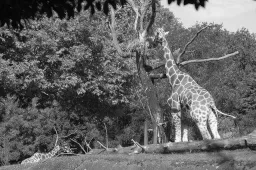
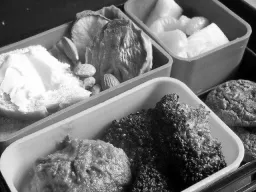
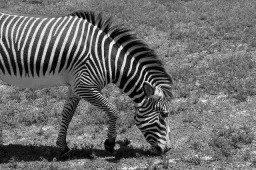
Ultralytics COCO8-Grayscale 데이터셋은 작지만 강력한 객체 탐지 데이터셋으로, COCO train 2017 세트의 첫 8개 이미지를 그레이스케일 형식으로 변환한 이미지로 구성되며 학습용 4장과 검증용 4장으로 나뉩니다. 이 데이터셋은 그레이스케일 YOLO 모델 및 학습 파이프라인을 빠르게 테스트하고 디버깅하며 실험할 수 있도록 특별히 설계되었습니다. 크기가 작아 관리하기 쉽고, 다양성이 있어 더 큰 데이터셋으로 확장하기 전에 효과적으로 정상 동작을 확인할 수 있습니다.
시청: 흑백 및 다중 스펙트럼 데이터셋으로 Ultralytics YOLO를 학습하는 방법 | 다중 채널 VisionAI 🚀
데이터셋 구조#
COCO8-Grayscale은 COCO8과 동일하게 COCO train 2017 세트의 첫 8개 이미지로 구성되며, 학습용 4장과 검증용 4장으로 나뉘고 80개의 COCO 클래스 이름으로 레이블링되어 있습니다. 다만 각 이미지는 YOLO 레이블 형식에 따라 단일 채널 channels: 1 그레이스케일 이미지로 저장됩니다:
coco8-grayscale/
├── images/
│   ├── train/   # 4 images
│   └── val/     # 4 images
└── labels/
    ├── train/
    └── val/
Ultralytics Platform에서 COCO8-Grayscale 살펴보기를 통해 어노테이션 오버레이가 포함된 각 이미지를 확인하고, Charts 탭에서 클래스 분포와 바운딩 박스 히트맵을 살펴보고, 데이터셋을 복제해 클라우드에서 자체 모델을 학습할 수 있습니다.
데이터셋 YAML#
COCO8-Grayscale 데이터셋 구성은 데이터셋 경로, 클래스 이름 및 기타 필수 메타데이터를 지정하는 YAML 파일에 정의되어 있습니다. 공식 coco8-grayscale.yaml 파일은 Ultralytics GitHub 저장소에서 확인할 수 있습니다.
RGB 이미지를 그레이스케일로 학습하려면 데이터셋 YAML 파일에 channels: 1을 추가하면 됩니다. 이렇게 하면 학습 중 모든 이미지가 그레이스케일로 변환되므로 별도의 데이터셋 없이도 그레이스케일의 이점을 활용할 수 있습니다.
# Ultralytics 🚀 AGPL-3.0 License - https://ultralytics.com/license

# COCO8-Grayscale dataset (first 8 images from COCO train2017) by Ultralytics
# Documentation: https://docs.ultralytics.com/datasets/detect/coco8-grayscale
# Example usage: yolo train data=coco8-grayscale.yaml
# parent
# ├── ultralytics
# └── datasets
#     └── coco8-grayscale ← downloads here (1 MB)

# Train/val/test sets as 1) dir: path/to/imgs, 2) file: path/to/imgs.txt, or 3) list: [path/to/imgs1, path/to/imgs2, ..]
path: coco8-grayscale # dataset root dir
train: images/train # train images (relative to 'path') 4 images
val: images/val # val images (relative to 'path') 4 images
test: # test images (optional)

channels: 1

# Classes
names:
  0: person
  1: bicycle
  2: car
  3: motorcycle
  4: airplane
  5: bus
  6: train
  7: truck
  8: boat
  9: traffic light
  10: fire hydrant
  11: stop sign
  12: parking meter
  13: bench
  14: bird
  15: cat
  16: dog
  17: horse
  18: sheep
  19: cow
  20: elephant
  21: bear
  22: zebra
  23: giraffe
  24: backpack
  25: umbrella
  26: handbag
  27: tie
  28: suitcase
  29: frisbee
  30: skis
  31: snowboard
  32: sports ball
  33: kite
  34: baseball bat
  35: baseball glove
  36: skateboard
  37: surfboard
  38: tennis racket
  39: bottle
  40: wine glass
  41: cup
  42: fork
  43: knife
  44: spoon
  45: bowl
  46: banana
  47: apple
  48: sandwich
  49: orange
  50: broccoli
  51: carrot
  52: hot dog
  53: pizza
  54: donut
  55: cake
  56: chair
  57: couch
  58: potted plant
  59: bed
  60: dining table
  61: toilet
  62: tv
  63: laptop
  64: mouse
  65: remote
  66: keyboard
  67: cell phone
  68: microwave
  69: oven
  70: toaster
  71: sink
  72: refrigerator
  73: book
  74: clock
  75: vase
  76: scissors
  77: teddy bear
  78: hair drier
  79: toothbrush

# Download script/URL (optional)
download: https://github.com/ultralytics/assets/releases/download/v0.0.0/coco8-grayscale.zip사용법#
COCO8-Grayscale 데이터셋(1 MB)은 학습을 처음 시작할 때 자동으로 다운로드됩니다. 이미지 크기 640으로 COCO8-Grayscale에서 YOLO26n 모델을 100 에포크 동안 학습하려면 다음 예제를 사용하세요. 학습 옵션의 전체 목록은 YOLO 학습 문서를 참조하세요.
from ultralytics import YOLO

# 사전 학습된 YOLO26n 모델 로드
model = YOLO("yolo26n.pt")

# COCO8-Grayscale에서 모델 학습
results = model.train(data="coco8-grayscale.yaml", epochs=100, imgsz=640)
샘플 이미지 및 어노테이션#
다음은 COCO8-Grayscale 데이터셋의 모자이크 학습 배치 예입니다:
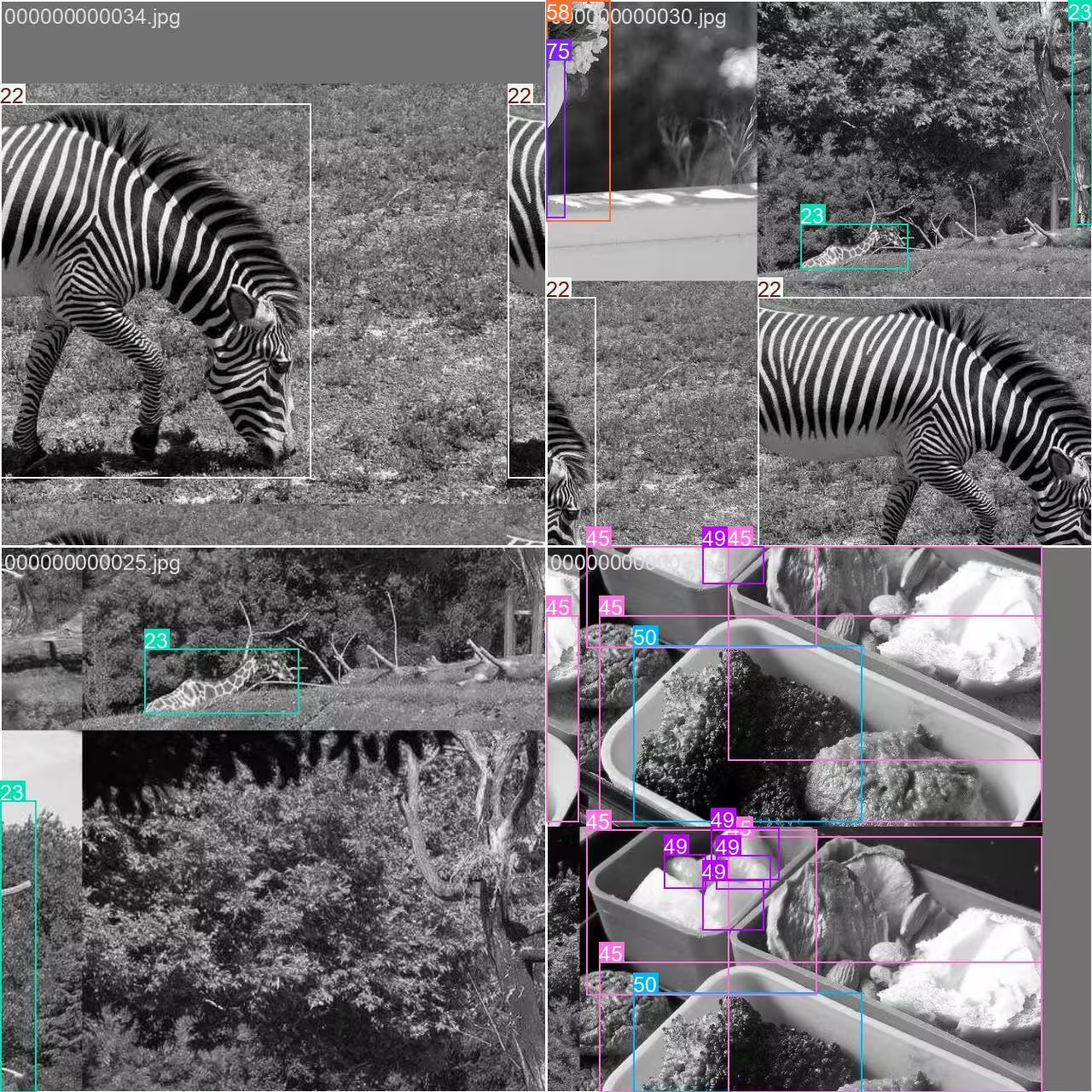
- 모자이크 이미지: 이 이미지는 여러 데이터셋 이미지를 모자이크 증강으로 결합한 학습 배치를 보여줍니다. 모자이크 증강은 각 배치에 포함되는 객체와 장면의 다양성을 높여 모델이 다양한 객체 크기, 종횡비 및 배경에 더 잘 일반화하도록 돕습니다.
이 기법은 COCO8-Grayscale처럼 작은 데이터셋에서 특히 유용하며, 학습 중 각 이미지의 활용도를 극대화합니다.
인용 및 감사의 글#
연구 또는 개발 과정에서 COCO 데이터셋을 사용하는 경우 다음 논문을 인용해 주세요:
@misc{lin2015microsoft,
      title={Microsoft COCO: Common Objects in Context},
      author={Tsung-Yi Lin and Michael Maire and Serge Belongie and Lubomir Bourdev and Ross Girshick and James Hays and Pietro Perona and Deva Ramanan and C. Lawrence Zitnick and Piotr Dollár},
      year={2015},
      eprint={1405.0312},
      archivePrefix={arXiv},
      primaryClass={cs.CV}
}
지속적으로 컴퓨터 비전 커뮤니티에 기여해 주시는 COCO 컨소시엄에 특별히 감사드립니다.
자주 묻는 질문#
Ultralytics COCO8-Grayscale 데이터셋은 객체 탐지 모델을 빠르게 테스트하고 디버깅하도록 설계되었습니다. 이미지가 8장(학습용 4장, 검증용 4장)뿐이므로, 대규모 데이터셋으로 확장하기 전에 YOLO 학습 파이프라인을 검증하고 모든 것이 예상대로 작동하는지 확인하는 데 적합합니다. 자세한 내용은 COCO8-Grayscale YAML 구성을 살펴보세요.
Python 또는 CLI를 사용해 COCO8-Grayscale에서 YOLO26 모델을 학습할 수 있습니다:
학습 예제from ultralytics import YOLO # 사전 학습된 YOLO26n 모델 로드 model = YOLO("yolo26n.pt") # COCO8-Grayscale에서 모델 학습 results = model.train(data="coco8-grayscale.yaml", epochs=100, imgsz=640)추가 학습 옵션은 YOLO 학습 문서를 참조하세요.
COCO8-Grayscale에서 학습한 후 YOLO26 모델을 검증하려면 Python 또는 CLI에서 모델 검증 명령을 사용하세요. 이 명령은 표준 지표를 사용해 모델 성능을 평가합니다. 단계별 지침은 YOLO 검증 문서에서 확인하세요.