COCO8-Multispectral 数据集

简介#
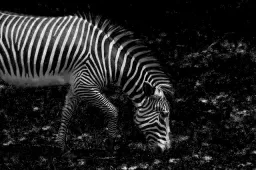
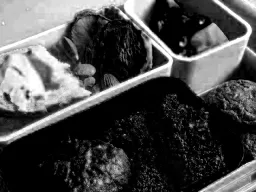
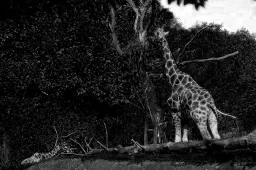
Ultralytics COCO8-Multispectral 数据集是原始 COCO8 数据集的一个变体,可用于试验多光谱目标检测模型。它包含 COCO train 2017 数据集中的相同 8 张图像——4 张用于训练,4 张用于验证——但每张图像都转换成了 10 通道多光谱格式。通过扩展标准 RGB 通道之外的信息,COCO8-Multispectral 支持开发和评估利用更丰富光谱信息的模型。
COCO8-Multispectral 可与 Ultralytics Platform 和 YOLO26 配合使用,因此你可以将它直接用于计算机视觉工作流。
观看: 如何使用灰度和多光谱数据集训练 Ultralytics YOLO | 多通道 VisionAI 🚀
数据集结构#
COCO8-Multispectral 与 COCO8 共用相同的 8 张图像,其中 4 张用于训练,4 张用于验证,并使用 80 个 COCO 类别名称进行标注;但每张图像都以 10 通道多光谱 .tiff 的形式存储,采用 YOLO 标注格式:
coco8-multispectral/
├── images/
│   ├── train/   # 4 images (10-channel .tiff)
│   └── val/     # 4 images (10-channel .tiff)
└── labels/
    ├── train/
└── val/数据集生成#
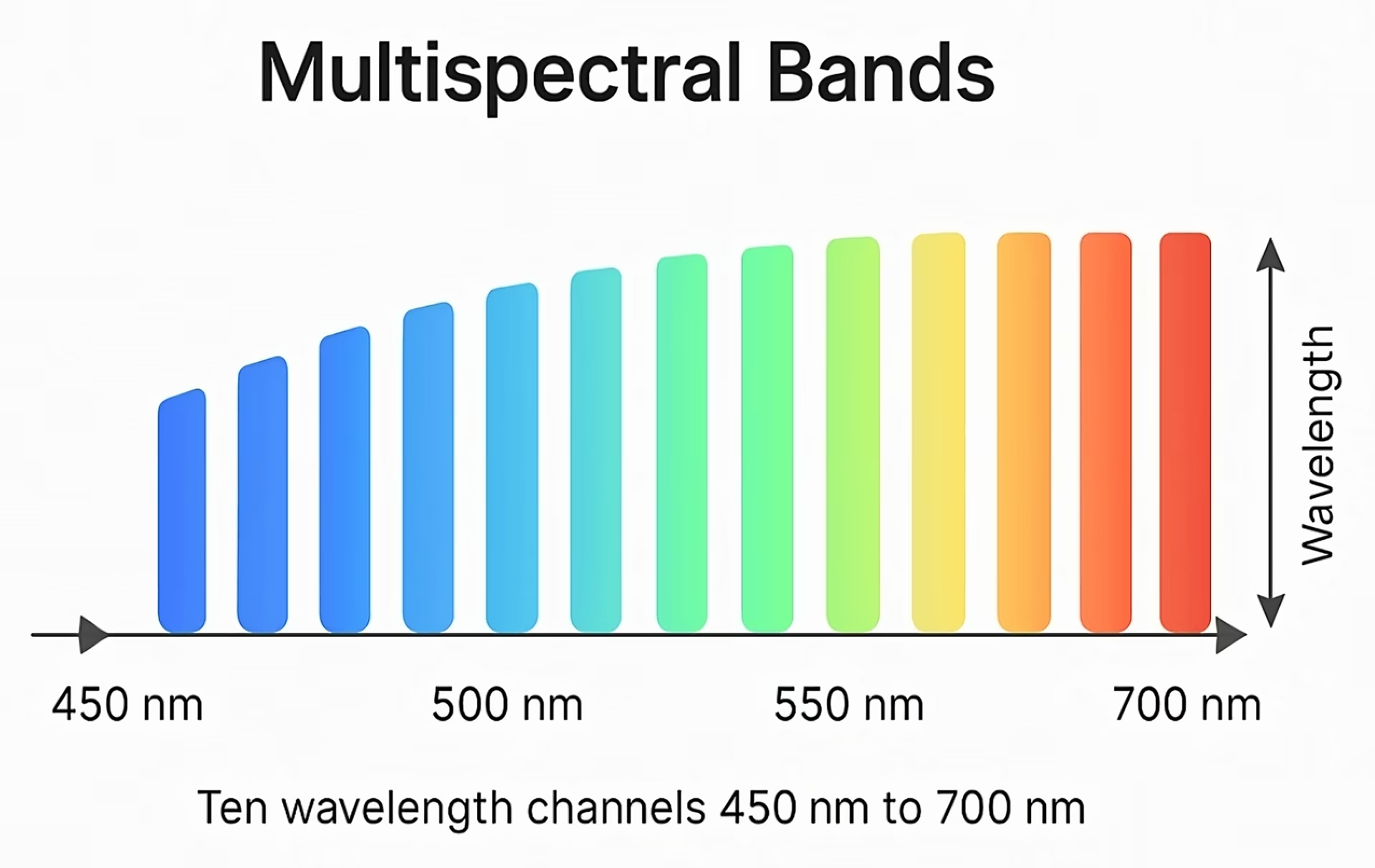
COCO8-Multispectral 中的多光谱图像是通过对原始 RGB 图像进行插值,在可见光谱范围内生成 10 个等间距的光谱通道而创建的。该过程包括:
- 波长分配:为 RGB 通道分配标称波长——红色:650 nm,绿色:510 nm,蓝色:475 nm。
- 插值:使用线性插值估算 450 nm 到 700 nm 之间中间波长处的像素值,生成 10 个光谱通道。
- 外推:应用线性外推,估算原始 RGB 波长范围之外的数值,从而确保获得完整的光谱表示。
这种方法模拟了多光谱成像过程,为模型训练和评估提供更多样化的数据。如需进一步了解多光谱成像,请参阅维基百科多光谱成像条目。
数据集 YAML#
COCO8-Multispectral 数据集通过 YAML 文件配置,其中定义了数据集路径、类别名称和重要元数据。你可以在 Ultralytics GitHub 仓库中查看官方的 coco8-multispectral.yaml 文件。
# Ultralytics 🚀 AGPL-3.0 License - https://ultralytics.com/license

# COCO8-Multispectral dataset (COCO8 images interpolated across 10 channels in the visual spectrum) by Ultralytics
# Documentation: https://docs.ultralytics.com/datasets/detect/coco8-multispectral
# Example usage: yolo train data=coco8-multispectral.yaml
# parent
# ├── ultralytics
# └── datasets
#     └── coco8-multispectral ← downloads here (20.2 MB)

# Train/val/test sets as 1) dir: path/to/imgs, 2) file: path/to/imgs.txt, or 3) list: [path/to/imgs1, path/to/imgs2, ..]
path: coco8-multispectral # dataset root dir
train: images/train # train images (relative to 'path') 4 images
val: images/val # val images (relative to 'path') 4 images
test: # test images (optional)

# Number of multispectral image channels
channels: 10

# Classes
names:
  0: person
  1: bicycle
  2: car
  3: motorcycle
  4: airplane
  5: bus
  6: train
  7: truck
  8: boat
  9: traffic light
  10: fire hydrant
  11: stop sign
  12: parking meter
  13: bench
  14: bird
  15: cat
  16: dog
  17: horse
  18: sheep
  19: cow
  20: elephant
  21: bear
  22: zebra
  23: giraffe
  24: backpack
  25: umbrella
  26: handbag
  27: tie
  28: suitcase
  29: frisbee
  30: skis
  31: snowboard
  32: sports ball
  33: kite
  34: baseball bat
  35: baseball glove
  36: skateboard
  37: surfboard
  38: tennis racket
  39: bottle
  40: wine glass
  41: cup
  42: fork
  43: knife
  44: spoon
  45: bowl
  46: banana
  47: apple
  48: sandwich
  49: orange
  50: broccoli
  51: carrot
  52: hot dog
  53: pizza
  54: donut
  55: cake
  56: chair
  57: couch
  58: potted plant
  59: bed
  60: dining table
  61: toilet
  62: tv
  63: laptop
  64: mouse
  65: remote
  66: keyboard
  67: cell phone
  68: microwave
  69: oven
  70: toaster
  71: sink
  72: refrigerator
  73: book
  74: clock
  75: vase
  76: scissors
  77: teddy bear
  78: hair drier
  79: toothbrush

# Download script/URL (optional)
download: https://github.com/ultralytics/assets/releases/download/v0.0.0/coco8-multispectral.zip请按 (channel, height, width) 顺序准备 TIFF 图像,以 .tiff 或 .tif 扩展名保存,并确保图像为 uint8,以便与 Ultralytics 配合使用:
import cv2
import numpy as np

# 创建并写入 10 通道 TIFF
image = np.ones((10, 640, 640), dtype=np.uint8)  # CHW-order
cv2.imwritemulti("example.tiff", image)

# 读取 TIFF
success, frames_list = cv2.imreadmulti("example.tiff")
image = np.stack(frames_list, axis=2)
print(image.shape) # (640, 640, 10) 用于训练和推理的 HWC 顺序用法#
首次启动训练时,系统会自动下载 COCO8-Multispectral 数据集(20.2 MB)。如需在 COCO8-Multispectral 上以 640 的图像尺寸训练一个 YOLO26n 模型,训练 100 个周期,请使用以下示例。
from ultralytics import YOLO

# 加载预训练的 YOLO26n 模型
model = YOLO("yolo26n.pt")

# 在 COCO8-Multispectral 上训练模型
results = model.train(data="coco8-multispectral.yaml", epochs=100, imgsz=640)
如需详细了解模型选择和最佳实践,请参阅 Ultralytics YOLO 模型文档和 YOLO 模型训练技巧指南。
示例图像和标注#
下面是一个来自 COCO8-Multispectral 数据集的马赛克训练批次示例:
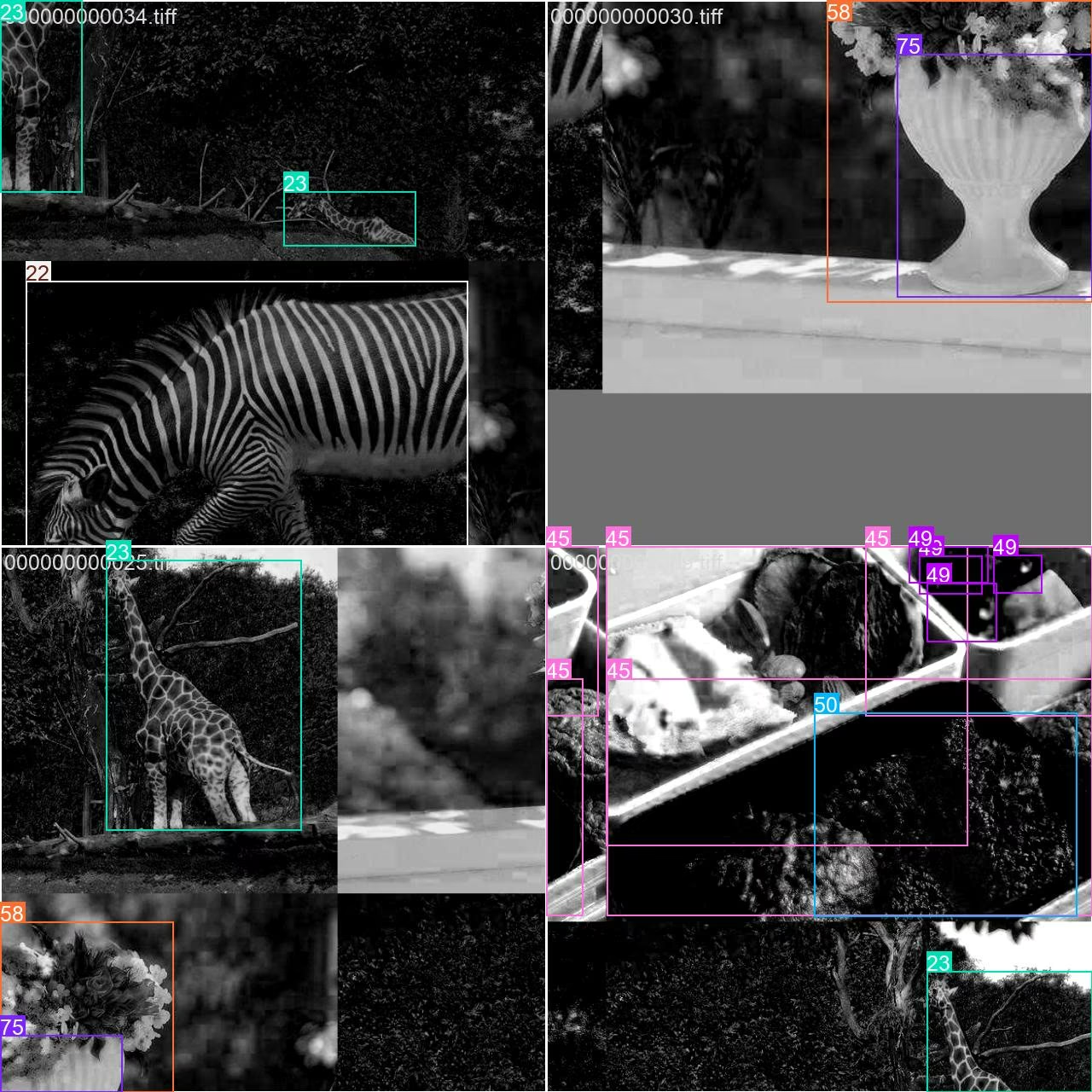
- 马赛克图像:此图展示了一个训练批次,其中多张数据集图像通过马赛克增强组合在一起。马赛克增强可增加每个批次中对象和场景的多样性,帮助模型更好地泛化到各种对象尺寸、宽高比和背景。
这项技术对于 COCO8-Multispectral 这类小型数据集尤其有价值,因为它能在训练期间最大限度地利用每张图像。
引用与致谢#
如果你在研究或开发工作中使用 COCO 数据集,请引用以下论文:
@misc{lin2015microsoft,
      title={Microsoft COCO: Common Objects in Context},
      author={Tsung-Yi Lin and Michael Maire and Serge Belongie and Lubomir Bourdev and Ross Girshick and James Hays and Pietro Perona and Deva Ramanan and C. Lawrence Zitnick and Piotr Dollár},
      year={2015},
      eprint={1405.0312},
      archivePrefix={arXiv},
      primaryClass={cs.CV}
}
特别感谢 COCO Consortium 持续为计算机视觉社区做出的贡献。
常见问题#
多光谱数据提供了标准 RGB 之外的额外光谱信息,使模型能够根据不同波长下反射率的细微差异区分物体。这可以提高检测准确率,尤其是在弱光或伪装等具有挑战性的场景中。
可以。COCO8-Multispectral 可与 Ultralytics Platform 及 Ultralytics YOLO 模型配合使用,包括 YOLO26,适用于训练和验证。
如需深入了解马赛克等数据增强方法及其对模型性能的影响,请参阅 YOLO 数据增强指南和 Ultralytics 数据增强博客。
它非常适合用于教学演示、原型化新模型架构以及验证多通道流水线。由于只有 8 张图像,它太小,无法用于有意义的基准测试;因此,当你需要具有代表性的指标时,请使用更大的数据集。


评论1
提出问题、分享结果,或帮助其他人。
brenoslinhares
Good afternoon.
I reproduced it for detection and it worked normally. However, adapting the COCO8-Multispectral dataset for classification, as well as the .yaml file when loading the model with channels equal to 10 and the dataset root path in data, returns the following error: RuntimeError: Given groups=1, weight of size [16, 10, 3, 3], expected input [4, 3, 640, 640] to have 10 channels, but got 3 channels instead.
Is it possible to use it for classification, including with data augmentation? How would this be possible? Has there been an update for this task?
Thank you in advance.