COCO8-Grayscale Dataset
Introduction#
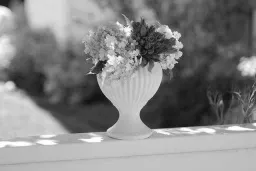
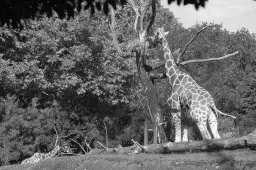
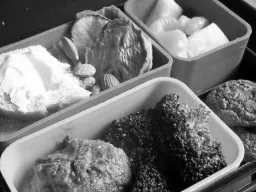
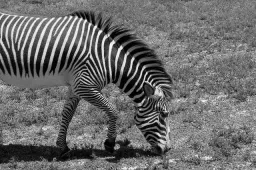
The Ultralytics COCO8-Grayscale dataset is a compact object detection dataset, consisting of the first 8 images from the COCO train 2017 set and converted to grayscale format—4 for training and 4 for validation. This dataset is specifically designed for rapid testing, debugging, and experimentation with YOLO grayscale models and training pipelines. Its small size makes it highly manageable, while its diversity ensures it serves as an effective sanity check before scaling up to larger datasets.
Watch: How to Train Ultralytics YOLO on Grayscale and Multispectral Datasets | Multi-Channel VisionAI 🚀
Dataset Structure#
COCO8-Grayscale mirrors COCO8—the first 8 images from the COCO train 2017 set, split into 4 for training and 4 for validation and labeled with the 80 COCO class names—but each image is stored as a single-channel (channels: 1) grayscale image in YOLO label format:
coco8-grayscale/
├── images/
│   ├── train/   # 4 images
│   └── val/     # 4 images
└── labels/
    ├── train/
    └── val/
Explore COCO8-Grayscale on Ultralytics Platform to browse every image with its annotation overlays, view the class distribution and bounding-box heatmaps in the Charts tab, and clone it to train your own model in the cloud.
Dataset YAML#
The COCO8-Grayscale dataset configuration is defined in a YAML file, which specifies dataset paths, class names, and other essential metadata. You can review the official coco8-grayscale.yaml file in the Ultralytics GitHub repository.
To train on RGB images in grayscale, add channels: 1 to your dataset YAML file. This converts all images to grayscale during training, so you do not need a separate grayscale dataset.
# Ultralytics 🚀 AGPL-3.0 License - https://ultralytics.com/license

# COCO8-Grayscale dataset (first 8 images from COCO train2017) by Ultralytics
# Documentation: https://docs.ultralytics.com/datasets/detect/coco8-grayscale
# Example usage: yolo train data=coco8-grayscale.yaml
# parent
# ├── ultralytics
# └── datasets
#     └── coco8-grayscale ← downloads here (1 MB)

# Train/val/test sets as 1) dir: path/to/imgs, 2) file: path/to/imgs.txt, or 3) list: [path/to/imgs1, path/to/imgs2, ..]
path: coco8-grayscale # dataset root dir
train: images/train # train images (relative to 'path') 4 images
val: images/val # val images (relative to 'path') 4 images
test: # test images (optional)

channels: 1

# Classes
names:
  0: person
  1: bicycle
  2: car
  3: motorcycle
  4: airplane
  5: bus
  6: train
  7: truck
  8: boat
  9: traffic light
  10: fire hydrant
  11: stop sign
  12: parking meter
  13: bench
  14: bird
  15: cat
  16: dog
  17: horse
  18: sheep
  19: cow
  20: elephant
  21: bear
  22: zebra
  23: giraffe
  24: backpack
  25: umbrella
  26: handbag
  27: tie
  28: suitcase
  29: frisbee
  30: skis
  31: snowboard
  32: sports ball
  33: kite
  34: baseball bat
  35: baseball glove
  36: skateboard
  37: surfboard
  38: tennis racket
  39: bottle
  40: wine glass
  41: cup
  42: fork
  43: knife
  44: spoon
  45: bowl
  46: banana
  47: apple
  48: sandwich
  49: orange
  50: broccoli
  51: carrot
  52: hot dog
  53: pizza
  54: donut
  55: cake
  56: chair
  57: couch
  58: potted plant
  59: bed
  60: dining table
  61: toilet
  62: tv
  63: laptop
  64: mouse
  65: remote
  66: keyboard
  67: cell phone
  68: microwave
  69: oven
  70: toaster
  71: sink
  72: refrigerator
  73: book
  74: clock
  75: vase
  76: scissors
  77: teddy bear
  78: hair drier
  79: toothbrush

# Download script/URL (optional)
download: https://github.com/ultralytics/assets/releases/download/v0.0.0/coco8-grayscale.zipUsage#
The COCO8-Grayscale dataset (1 MB) downloads automatically the first time you start training. To train a YOLO26n model on COCO8-Grayscale for 100 epochs with an image size of 640, use the following examples.
from ultralytics import YOLO

# Load a pretrained YOLO26n model
model = YOLO("yolo26n.pt")

# Train the model on COCO8-Grayscale
results = model.train(data="coco8-grayscale.yaml", epochs=100, imgsz=640)
Sample Images and Annotations#
Below is an example of a mosaiced training batch from the COCO8-Grayscale dataset:
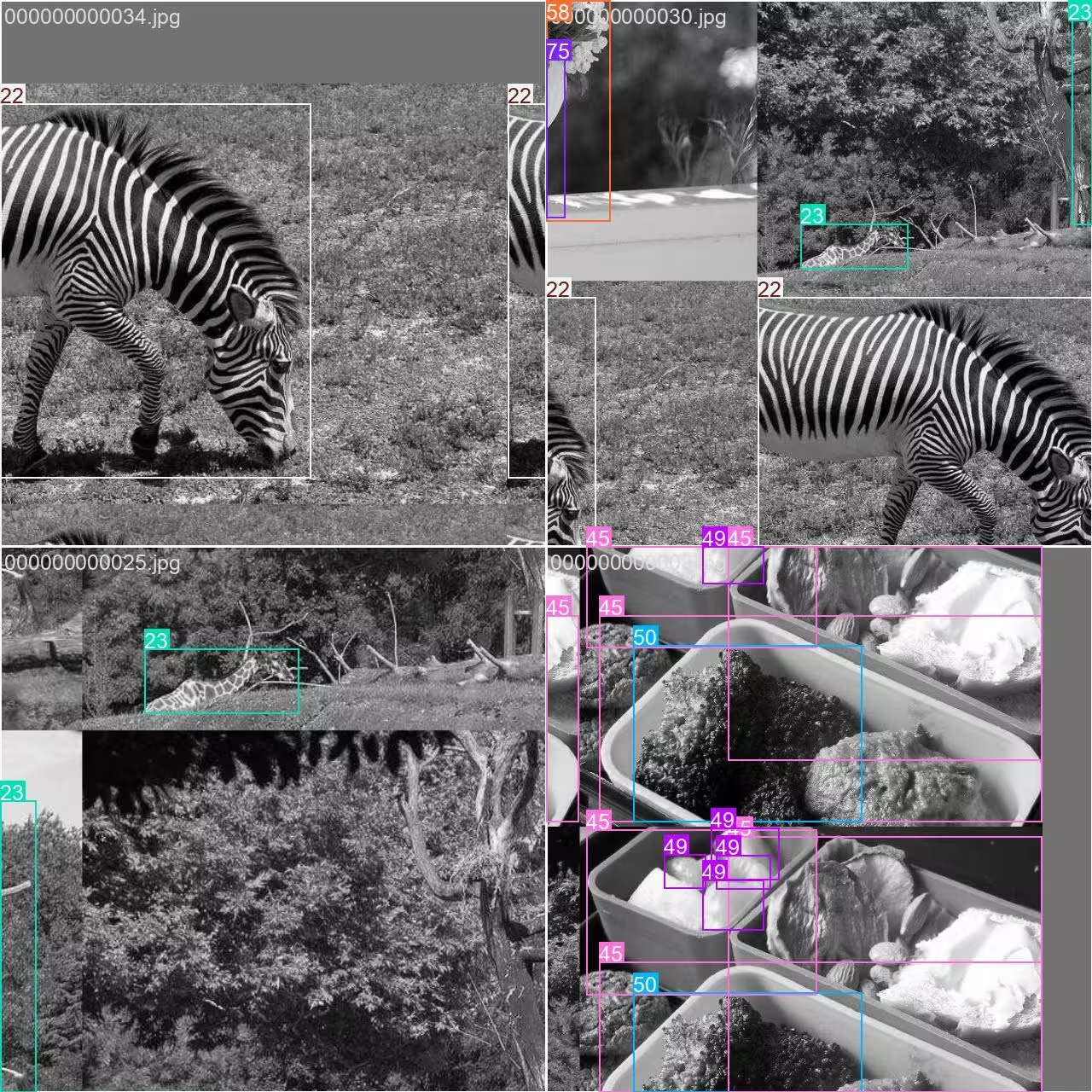
- Mosaiced Image: This image illustrates a training batch where multiple dataset images are combined using mosaic augmentation. Mosaic augmentation increases the diversity of objects and scenes within each batch, helping the model generalize better to various object sizes, aspect ratios, and backgrounds.
This technique is especially useful for small datasets like COCO8-Grayscale, as it maximizes the value of each image during training.
Citations and Acknowledgments#
If you use the COCO dataset in your research or development, please cite the following paper:
@misc{lin2015microsoft,
      title={Microsoft COCO: Common Objects in Context},
      author={Tsung-Yi Lin and Michael Maire and Serge Belongie and Lubomir Bourdev and Ross Girshick and James Hays and Pietro Perona and Deva Ramanan and C. Lawrence Zitnick and Piotr Dollár},
      year={2015},
      eprint={1405.0312},
      archivePrefix={arXiv},
      primaryClass={cs.CV}
}
Special thanks to the COCO Consortium for their ongoing contributions to the computer vision community.
FAQ#
The Ultralytics COCO8-Grayscale dataset is designed for rapid testing and debugging of object detection models. With only 8 images (4 for training, 4 for validation), it is ideal for verifying your YOLO training pipelines and ensuring everything works as expected before scaling to larger datasets.
You can train a YOLO26 model on COCO8-Grayscale using either Python or the CLI:
Train Examplefrom ultralytics import YOLO # Load a pretrained YOLO26n model model = YOLO("yolo26n.pt") # Train the model on COCO8-Grayscale results = model.train(data="coco8-grayscale.yaml", epochs=100, imgsz=640)For additional training options, refer to the YOLO Training documentation.
Mosaic augmentation, as used in COCO8-Grayscale training, combines multiple images into one during each batch. This increases the diversity of objects and backgrounds, helping your YOLO model generalize better to new scenarios. Mosaic augmentation is especially valuable for small datasets, as it maximizes the information available in each training step.
To validate your YOLO26 model after training on COCO8-Grayscale, use the model's validation commands in either Python or CLI. This evaluates your model's performance using standard metrics. For step-by-step instructions, visit the YOLO Validation documentation.


Comments7
Ask a question, share your results, or help someone else.
arfan1181
Finally
1shkim-lp
Dear Ultralytics, Hello. I am a learner and a user of Ultralytics-YOLO Software. I am writing this post to ask questions about tracking Livestream color videos in grayscale.
At the moment, I am using Ultralytics for Classification/Segmentation/Tracking of my Livestream video. My livestream video contains 4 different types of connectors, which are moved by robots.
I have used the software well so far to classify/segment/track the 4 connectors in Livestream color video I tracked the Livestream video with
results = model.track(source="0", show=Trune, save=True), which displayed live results with "0" window. I was happy with the result.Now, I want to test the performance for a real scenario, where the Livestream camera will aceept only B/W images (The equipment has not been installed yet and I am trying to emulate future situation). I learned how to train models in B/W images with simple addition of channels = 1 . However, I still don't know how to track a Livestream video (where images are imported in color) in B/W scales and output them in B/W in "0" window.
Would there be an easy method to invoke results = model.track(source="0", show=Ture, save=True) , but classify/segment/track in B/W scale and output them in B/W as well?Thank you for your assistance!
 Glenn JocherUltralytics
There’s no built-in switch in
model.track(source=0, ...)to force grayscale preprocessing for a webcam stream, so the simplest way to emulate a B/W camera is to read frames with OpenCV, convert to grayscale, then replicate back to 3 channels (GRAY2BGR) so it works with any YOLO model, and display/save the result (training-side grayscale is covered on the COCO8-Grayscale dataset page).import cv2 from ultralytics import YOLO model = YOLO("best.pt") # your det/seg model cap = cv2.VideoCapture(0) while True: ok, frame = cap.read() if not ok: break gray = cv2.cvtColor(frame, cv2.COLOR_BGR2GRAY) frame_bw3 = cv2.cvtColor(gray, cv2.COLOR_GRAY2BGR) # BW content, kept 3-channel results = model.track(source=frame_bw3, persist=True, verbose=False) annotated = results[0].plot() # BGR annotated_gray = cv2.cvtColor(annotated, cv2.COLOR_BGR2GRAY) cv2.imshow("0", annotated_gray) if cv2.waitKey(1) == 27: # ESC to quit break cap.release() cv2.destroyAllWindows()1Thank you for such a prompt and precise answer!
- Glenn JocherUltralytics
Glad it helped—if you end up training a
channels: 1model you can usually skipGRAY2BGRand feed the grayscale frame directly as(H, W)or(H, W, 1)(the loader will expand 2D grayscale to 1 channel), and feel free to drop any follow-up questions here so the Ultralytics team sees them (see the COCO8-Grayscale dataset docs).
zjjzeng
Hello, I did not notice this page before, so I trained my model on default rgb 3 channels and then predicted. Actually, all my native dataset images are gray images, I used a numpy operation to manually transfer it before training. I wonder that if I change channels to 1, will I be able to gain any improvements on my model. And do I need to modify both data.yaml and my customized yolo11n.yaml, right?
- Glenn JocherUltralytics
Great question—set channels: 1 in your dataset YAML and train; you don’t need to modify your custom yolo11n.yaml as the model’s first layer adapts automatically; if you previously replicated grayscale to 3 channels, accuracy differences are usually small while 1-channel can save memory, so a quick A/B run is the best way to confirm; for more on multi-channel handling, see the COCO8-Multispectral dataset page.