Dog-Pose Dataset
Introduction#
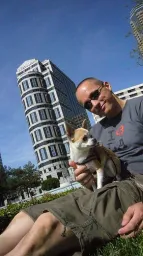
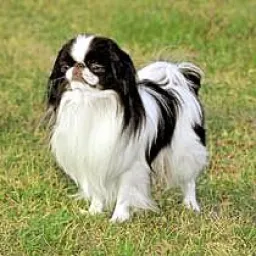
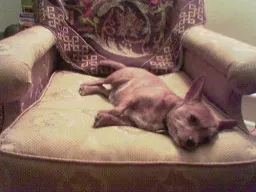
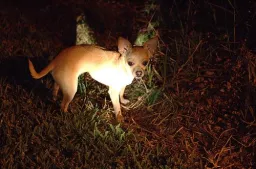
The Ultralytics Dog-Pose dataset is a pose estimation dataset curated for dog keypoint estimation, providing 6,773 training and 1,703 validation images.
Watch: How to Train an Ultralytics YOLO Model on the Stanford Dog Pose Estimation Dataset | Step-by-Step Tutorial
Each annotated image includes 24 keypoints with 3 dimensions per keypoint (x, y, visibility), supporting canine pose estimation research and applications.
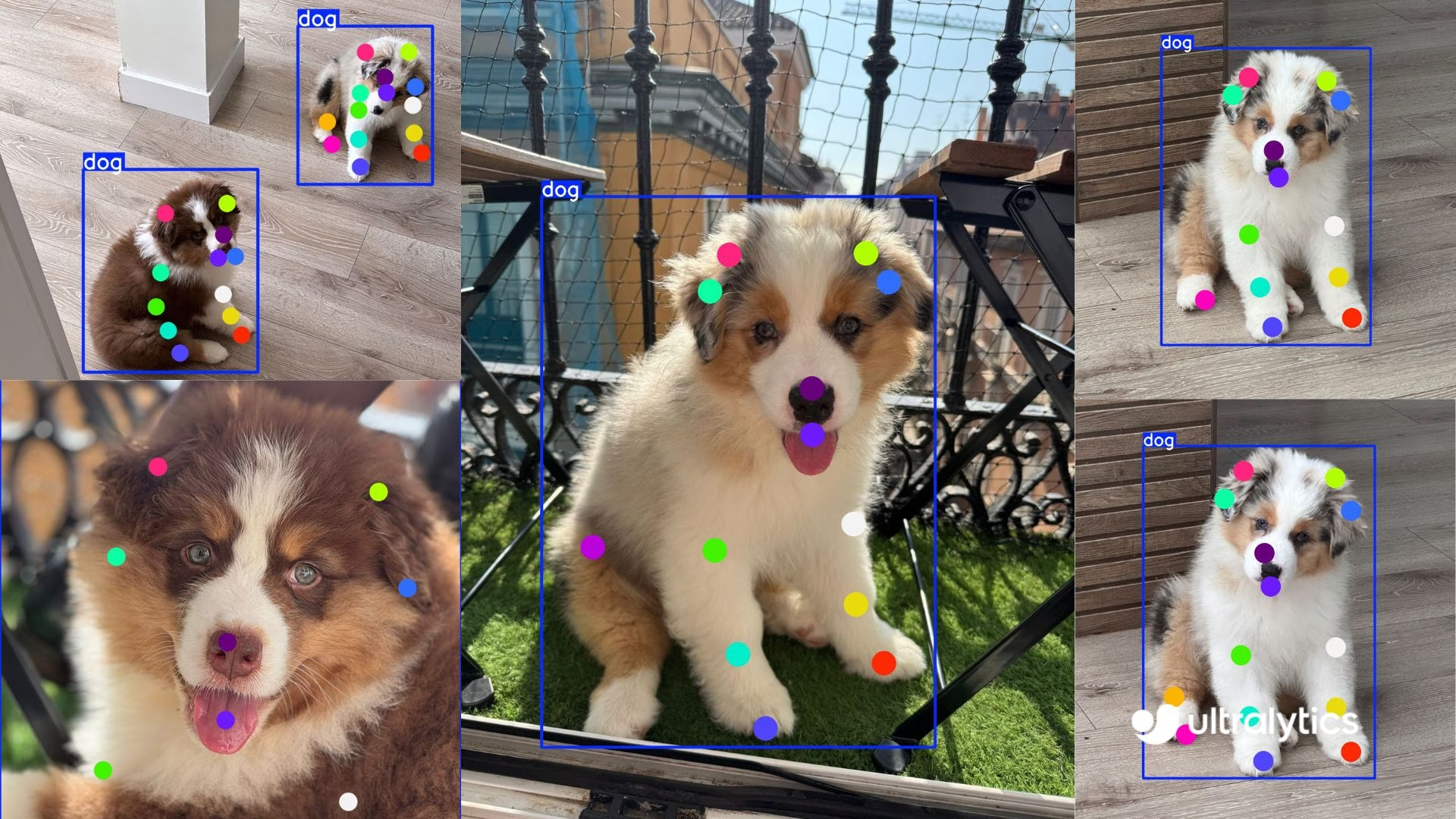
For a specific breed or a different animal altogether, Ultralytics Platform handles uploading, labeling, and training a custom keypoint model on your own data without managing infrastructure.
Dataset Structure#
-
Total images: 8,476 (6,773 train / 1,703 val) with matching YOLO-format label files.
-
Keypoints: 24 per dog with
(x, y, visibility)triplets. -
Download size: ~337 MB.
-
Layout:
datasets/dog-pose/
├── images/{train,val}
└── labels/{train,val}
Dataset YAML#
A YAML file is used to define the dataset configuration. It includes paths, keypoint details, and other relevant information. In the case of the Dog-Pose dataset, the dog-pose.yaml file is available at https://github.com/ultralytics/ultralytics/blob/main/ultralytics/cfg/datasets/dog-pose.yaml.
# Ultralytics 🚀 AGPL-3.0 License - https://ultralytics.com/license

# Dogs dataset http://vision.stanford.edu/aditya86/ImageNetDogs/ by Stanford
# Documentation: https://docs.ultralytics.com/datasets/pose/dog-pose
# Example usage: yolo train data=dog-pose.yaml
# parent
# ├── ultralytics
# └── datasets
#     └── dog-pose ← downloads here (337 MB)

# Train/val/test sets as 1) dir: path/to/imgs, 2) file: path/to/imgs.txt, or 3) list: [path/to/imgs1, path/to/imgs2, ..]
path: dog-pose # dataset root dir
train: images/train # train images (relative to 'path') 6773 images
val: images/val # val images (relative to 'path') 1703 images

# Keypoints
kpt_shape: [24, 3] # number of keypoints, number of dims (2 for x,y or 3 for x,y,visible)

# Classes
names:
  0: dog

# Keypoint names per class
kpt_names:
  0:
    - front_left_paw
    - front_left_knee
    - front_left_elbow
    - rear_left_paw
    - rear_left_knee
    - rear_left_elbow
    - front_right_paw
    - front_right_knee
    - front_right_elbow
    - rear_right_paw
    - rear_right_knee
    - rear_right_elbow
    - tail_start
    - tail_end
    - left_ear_base
    - right_ear_base
    - nose
    - chin
    - left_ear_tip
    - right_ear_tip
    - left_eye
    - right_eye
    - withers
    - throat

# Download script/URL (optional)
download: https://github.com/ultralytics/assets/releases/download/v0.0.0/dog-pose.zipUsage#
To train a YOLO26n-pose model on the Dog-Pose dataset for 100 epochs with an image size of 640, you can use the following code snippets.
from ultralytics import YOLO

# Load a model
model = YOLO("yolo26n-pose.pt")  # load a pretrained model (recommended for training)

# Train the model
results = model.train(data="dog-pose.yaml", epochs=100, imgsz=640)
Sample Images and Annotations#
Here are some examples of images from the Dog-Pose dataset, along with their corresponding annotations:
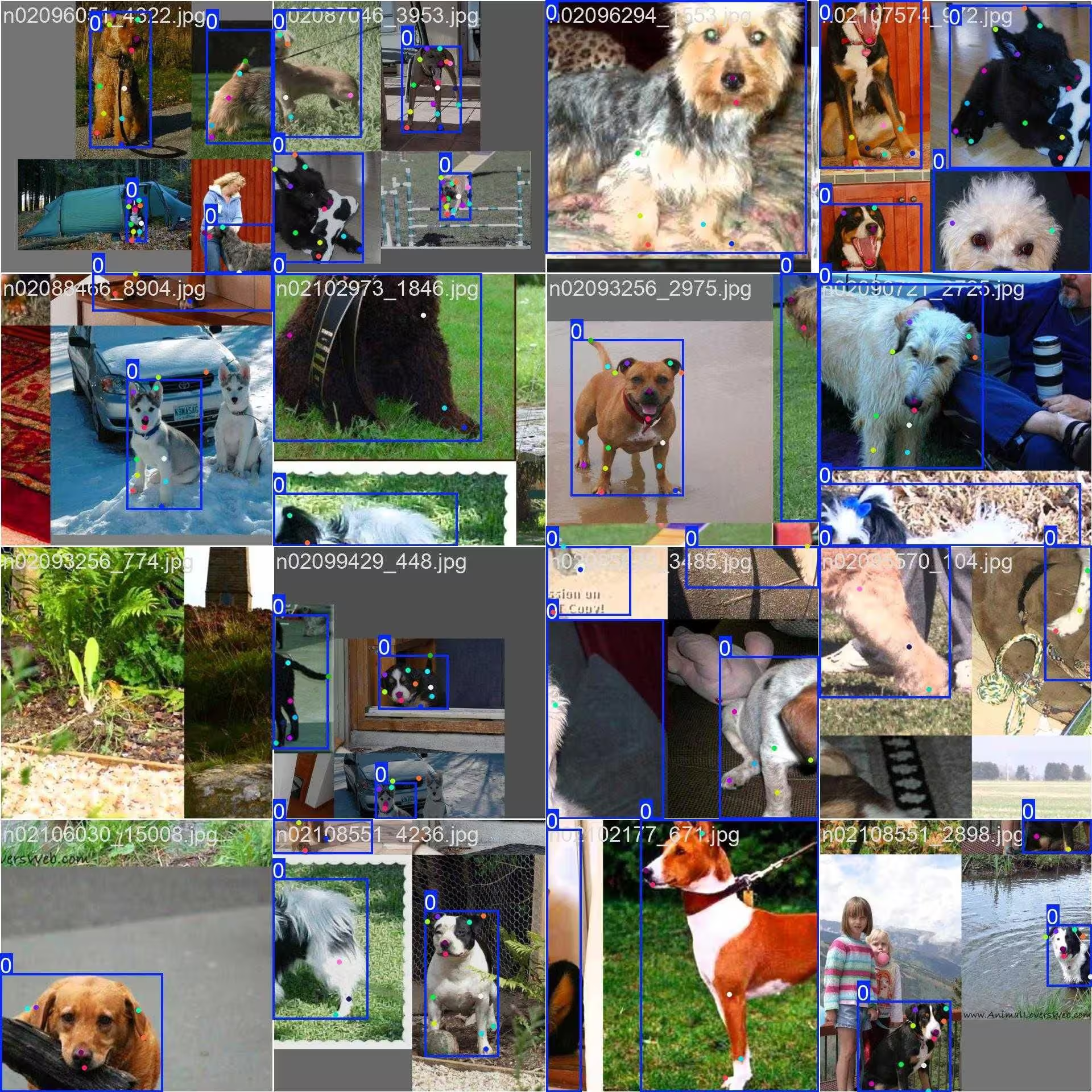
- Mosaiced Image: This image demonstrates a training batch composed of mosaiced dataset images. Mosaicing is a technique used during training that combines multiple images into a single image to increase the variety of objects and scenes within each training batch. This helps improve the model's ability to generalize to different object sizes, aspect ratios, and contexts.
The example showcases the variety and complexity of the images in the Dog-Pose dataset and the benefits of using mosaicing during the training process.
Citations and Acknowledgments#
If you use the Dog-Pose dataset in your research or development work, please cite the following paper:
@inproceedings{khosla2011fgvc,
  title={Novel dataset for Fine-Grained Image Categorization},
  author={Aditya Khosla and Nityananda Jayadevaprakash and Bangpeng Yao and Li Fei-Fei},
  booktitle={First Workshop on Fine-Grained Visual Categorization (FGVC), IEEE Conference on Computer Vision and Pattern Recognition (CVPR)},
  year={2011}
}
@inproceedings{deng2009imagenet,
  title={ImageNet: A Large-Scale Hierarchical Image Database},
  author={Jia Deng and Wei Dong and Richard Socher and Li-Jia Li and Kai Li and Li Fei-Fei},
  booktitle={IEEE Computer Vision and Pattern Recognition (CVPR)},
  year={2009}
}
We would like to acknowledge the Stanford team for creating and maintaining this valuable resource for the computer vision community. For more information about the Dog-Pose dataset and its creators, visit the Stanford Dogs Dataset website.
FAQ#
The Dog-Pose dataset features 6,773 training and 1,703 validation images annotated with 24 keypoints for dog pose estimation. It's designed for training and validating models with Ultralytics YOLO26, supporting applications like animal behavior analysis, pet monitoring, and veterinary studies. Its detailed annotations make it well suited to developing accurate pose estimation models for canines.
Load
yolo26n-pose.ptand callmodel.train(data="dog-pose.yaml", epochs=100, imgsz=640)— see the Train Example above for the full Python and CLI snippets, and the model Training page for a comprehensive list of arguments.With 8,476 total images (6,773 train / 1,703 val) covering a wide range of dog breeds and poses, and 24 keypoints in 3 dimensions (x, y, visibility) per annotation, the Dog-Pose dataset gives models the real-world scenario coverage needed for applications like pet monitoring and behavior analysis.
Mosaicing combines multiple Dog-Pose images into a single training image, increasing the variety of dog poses, sizes, and backgrounds the model sees per step, which improves generalization to new contexts and scales while reducing overfitting. For example images, refer to the Sample Images and Annotations section.
The Dog-Pose dataset YAML file can be found at https://github.com/ultralytics/ultralytics/blob/main/ultralytics/cfg/datasets/dog-pose.yaml. This file defines the dataset configuration, including paths, classes, keypoint details, and other relevant information. The YAML specifies 24 keypoints with 3 dimensions per keypoint, making it suitable for detailed pose estimation tasks.
To use this file with YOLO26 training scripts, reference it in your training command as shown in the Usage section. The dataset will be automatically downloaded when first used, making setup straightforward.
For more on keypoint models, see the Pose Estimation task docs.


Comments12
Ask a question, share your results, or help someone else.
legend-zhen
Hello, although YOLOv11-pose can perform both object detection and pose estimation tasks simultaneously, there seems to be little correlation between the performance of pose estimation and object detection. What could be the reason for this? As I understand, YOLOv11-pose was specifically designed for human pose estimation, so can it also be perfectly adapted for animal pose estimation, as it is for humans? Are any special settings required when performing animal pose estimation?
 Glenn JocherUltralytics(edited)
@legend-zhen YOLO26 and YOLO11 pose models are indeed versatile and can be adapted for animal pose estimation, such as with the Dog-Pose dataset. While the architecture is optimized for human pose estimation, adapting it to animals typically requires a dataset with accurate annotations (e.g., 24 keypoints for dogs in Dog-Pose). No special settings are mandatory beyond ensuring the dataset YAML file is properly configured. For details on Dog-Pose, check here.
Peakednesss
I can just find 20 points, 4 for ears, 1 for nose, 1 for mouth, 2 for tail, and 12 for legs, where are the other four points?
- Glenn JocherUltralytics(edited)
@Peakednesss the Dog-Pose dataset has 24 keypoints. Beyond the 20 you found (ears, nose, chin, tail and legs), the other four are the left eye, right eye, withers and throat. The full list is in
kpt_namesin the dataset YAML: https://github.com/ultralytics/ultralytics/blob/main/ultralytics/cfg/datasets/dog-pose.yaml. thank you very much
goodbetterbest1
do you know where are the other 4 points’ definitions? I can’t find any useful information in the yaml document. thx
chengziNaomi
When we annotate the key point data set in a picture, if the two boxes have overlapping parts, how to annotate the key points in the overlapping boxes?
- Glenn JocherUltralytics
@chengziNaomi when annotating overlapping bounding boxes in a keypoint dataset, ensure that each object's keypoints are labeled independently, even if they share overlapping regions. Annotate each keypoint based on its respective object, maintaining clear separation to avoid ambiguity during model training. For guidelines on keypoint annotation, refer to Dog-Pose Dataset Documentation.
If I have multiple objects in a picture, should I frame all the objects at once and then label the key points together, or should I frame an object, label the key points of that object, then frame an object, and then label the key points of that object?
- Glenn JocherUltralytics
@chengziNaomi when annotating a single image with multiple objects, you should annotate each object separately. Frame one object, label its keypoints completely, then move to the next object. This ensures clarity and avoids confusion during model training. Refer to Dog-Pose Dataset Documentation for more annotation insights.
Thank you very much! and how can I draw heatmap for key point detection?
- Glenn JocherUltralytics
You're welcome! To draw a heatmap for keypoint detection, you can preprocess the keypoints into Gaussian blobs on a blank image using libraries like OpenCV or NumPy, then overlay them on the original image. For detailed implementation, check external heatmap solutions or visualization tools as it currently falls outside YOLO's built-in features. Let me know if you have further questions!