Dog-Pose 데이터셋
소개#
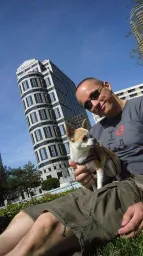
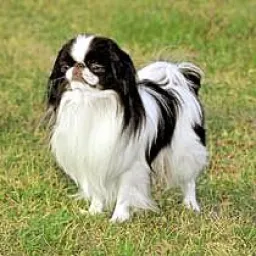
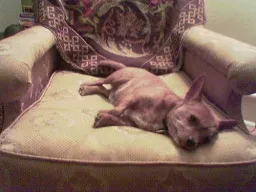
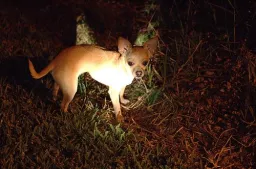
Ultralytics Dog-Pose 데이터셋은 개의 키포인트 추정을 위해 선별된 포즈 추정 데이터셋으로, 학습 이미지 6,773개와 검증 이미지 1,703개를 제공합니다.
시청: Stanford Dog 포즈 추정 데이터셋으로 Ultralytics YOLO 모델을 학습하는 방법 | 단계별 튜토리얼
주석이 달린 각 이미지에는 키포인트당 3개 차원(x, y, 가시성)으로 구성된 키포인트 24개가 포함되어 있어 개 포즈 추정 연구와 애플리케이션을 지원합니다.
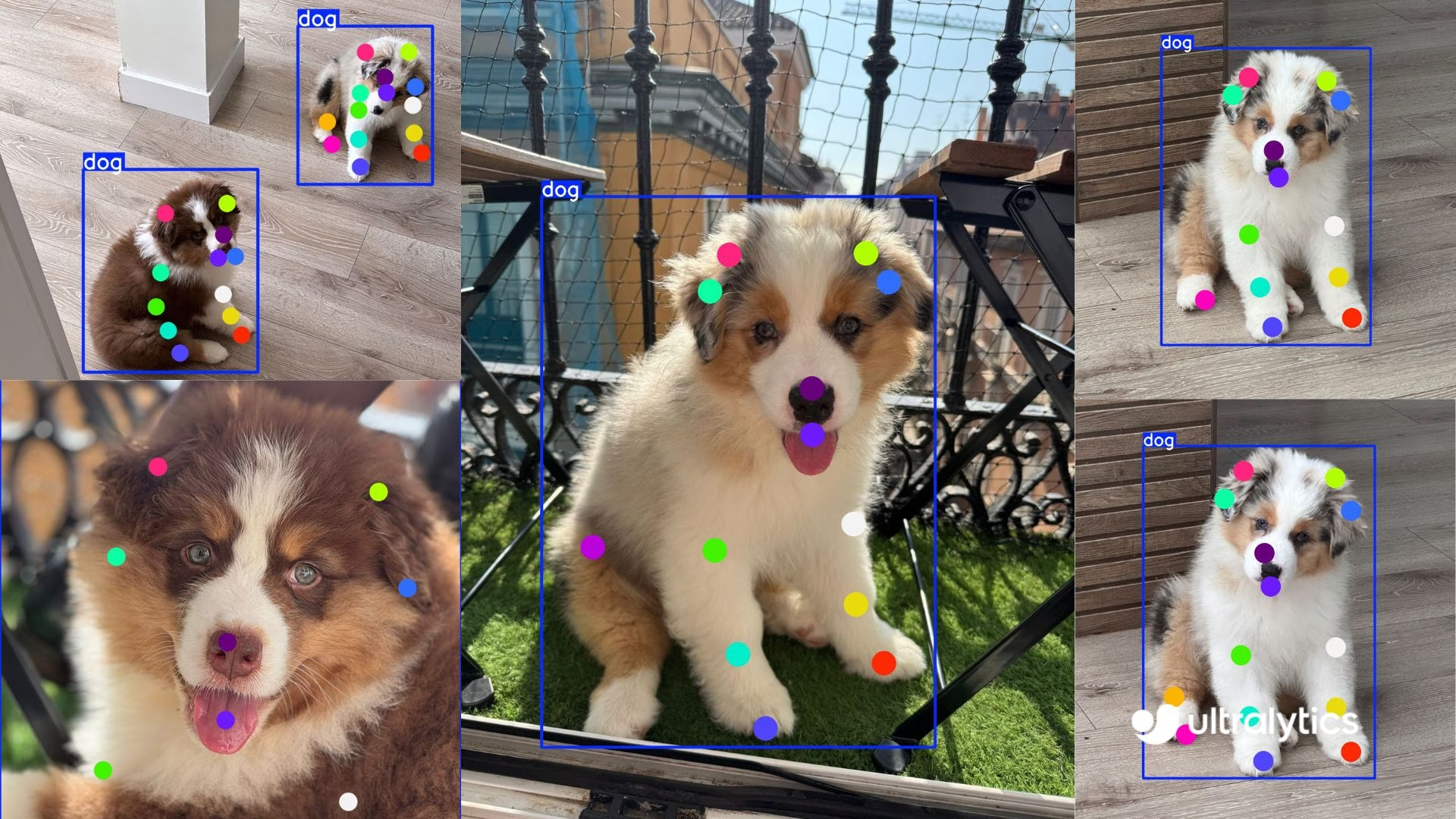
특정 품종이나 전혀 다른 동물을 대상으로 하려는 경우, Ultralytics Platform을 사용하면 인프라를 관리하지 않고도 자체 데이터의 업로드, 레이블 지정, 커스텀 키포인트 모델 학습을 처리할 수 있습니다.
데이터셋 구조#
-
총 이미지 수: 8,476개(학습 6,773개 / 검증 1,703개)이며, 이에 대응하는 YOLO 형식 레이블 파일이 포함됩니다.
-
키포인트: 개 한 마리당 24개이며,
(x, y, visibility)튜플로 구성됩니다. -
다운로드 크기: ~337 MB.
-
디렉터리 구조:
datasets/dog-pose/
├── images/{train,val}
└── labels/{train,val}
데이터셋 YAML#
데이터셋 구성을 정의하는 데 YAML 파일을 사용합니다. 여기에는 경로, 키포인트 세부 정보 및 기타 관련 정보가 포함됩니다. Dog-Pose 데이터셋의 경우 dog-pose.yaml 파일을 https://github.com/ultralytics/ultralytics/blob/main/ultralytics/cfg/datasets/dog-pose.yaml에서 사용할 수 있습니다.
# Ultralytics 🚀 AGPL-3.0 License - https://ultralytics.com/license

# Dogs dataset http://vision.stanford.edu/aditya86/ImageNetDogs/ by Stanford
# Documentation: https://docs.ultralytics.com/datasets/pose/dog-pose
# Example usage: yolo train data=dog-pose.yaml
# parent
# ├── ultralytics
# └── datasets
#     └── dog-pose ← downloads here (337 MB)

# Train/val/test sets as 1) dir: path/to/imgs, 2) file: path/to/imgs.txt, or 3) list: [path/to/imgs1, path/to/imgs2, ..]
path: dog-pose # dataset root dir
train: images/train # train images (relative to 'path') 6773 images
val: images/val # val images (relative to 'path') 1703 images

# Keypoints
kpt_shape: [24, 3] # number of keypoints, number of dims (2 for x,y or 3 for x,y,visible)

# Classes
names:
  0: dog

# Keypoint names per class
kpt_names:
  0:
    - front_left_paw
    - front_left_knee
    - front_left_elbow
    - rear_left_paw
    - rear_left_knee
    - rear_left_elbow
    - front_right_paw
    - front_right_knee
    - front_right_elbow
    - rear_right_paw
    - rear_right_knee
    - rear_right_elbow
    - tail_start
    - tail_end
    - left_ear_base
    - right_ear_base
    - nose
    - chin
    - left_ear_tip
    - right_ear_tip
    - left_eye
    - right_eye
    - withers
    - throat

# Download script/URL (optional)
download: https://github.com/ultralytics/assets/releases/download/v0.0.0/dog-pose.zip사용법#
이미지 크기를 640으로 설정하고 Dog-Pose 데이터셋에서 YOLO26n-pose 모델을 100 에폭 동안 학습하려면 다음 코드 스니펫을 사용할 수 있습니다.
from ultralytics import YOLO

# 모델 로드
model = YOLO("yolo26n-pose.pt")  # 사전 학습된 모델을 불러옵니다(학습에 권장).

# 모델 학습
results = model.train(data="dog-pose.yaml", epochs=100, imgsz=640)
샘플 이미지 및 어노테이션#
다음은 Dog-Pose 데이터셋 이미지와 해당 주석의 몇 가지 예입니다:
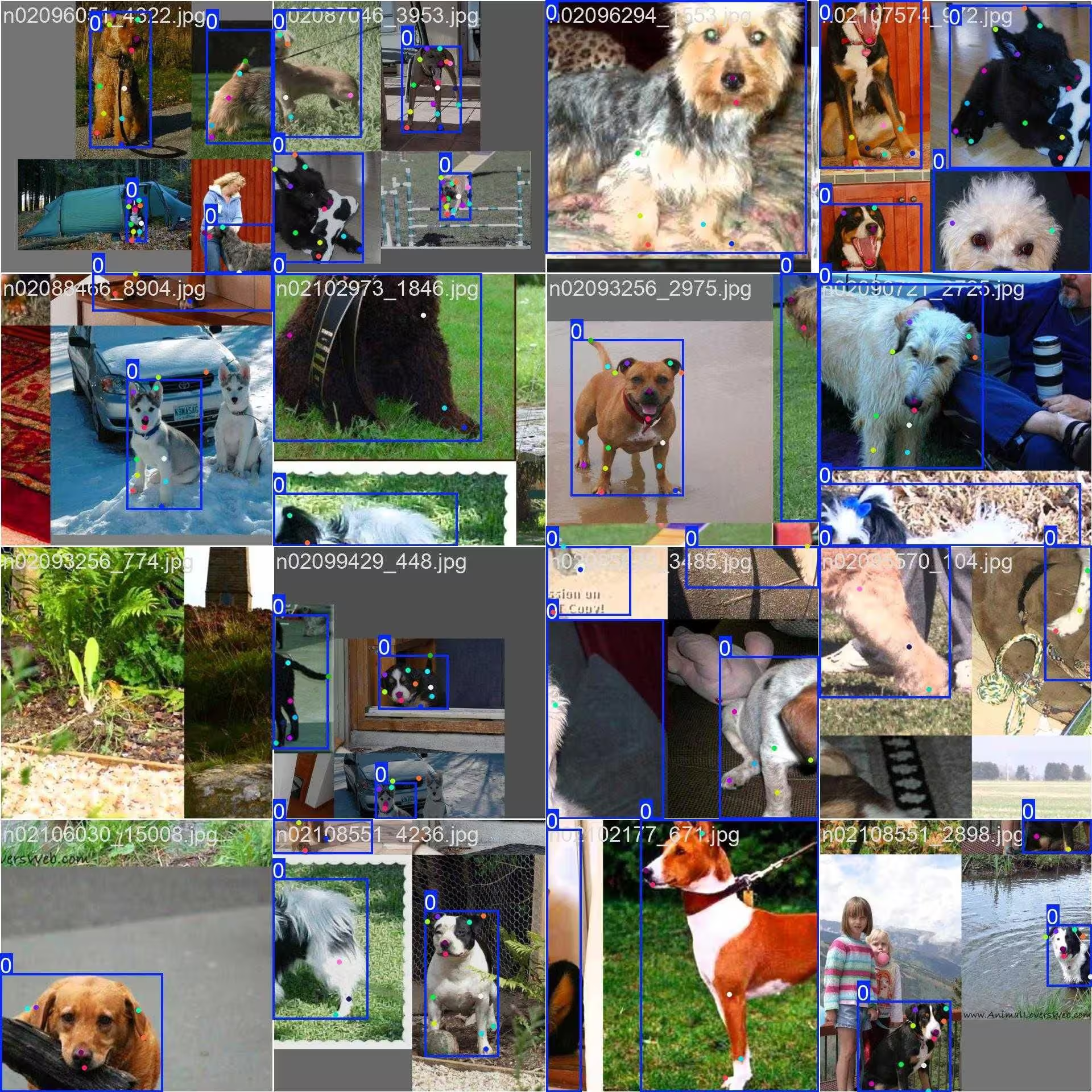
- 모자이크 이미지: 이 이미지는 모자이크 처리된 데이터셋 이미지로 구성된 학습 배치를 보여줍니다. 모자이크 처리는 학습 중 여러 이미지를 하나의 이미지로 결합해 각 학습 배치에 포함되는 객체와 장면의 다양성을 높이는 기법입니다. 이 기법은 모델이 다양한 객체 크기, 종횡비 및 맥락에 일반화하는 능력을 향상하는 데 도움이 됩니다.
이 예시는 Dog-Pose 데이터셋 이미지의 다양성과 복잡성, 그리고 학습 과정에서 모자이크를 사용하는 이점을 보여줍니다.
인용 및 감사의 글#
연구 또는 개발 작업에 Dog-Pose 데이터셋을 사용하는 경우, 다음 논문을 인용해 주세요:
@inproceedings{khosla2011fgvc,
  title={Novel dataset for Fine-Grained Image Categorization},
  author={Aditya Khosla and Nityananda Jayadevaprakash and Bangpeng Yao and Li Fei-Fei},
  booktitle={First Workshop on Fine-Grained Visual Categorization (FGVC), IEEE Conference on Computer Vision and Pattern Recognition (CVPR)},
  year={2011}
}
@inproceedings{deng2009imagenet,
  title={ImageNet: A Large-Scale Hierarchical Image Database},
  author={Jia Deng and Wei Dong and Richard Socher and Li-Jia Li and Kai Li and Li Fei-Fei},
  booktitle={IEEE Computer Vision and Pattern Recognition (CVPR)},
  year={2009}
}
컴퓨터 비전 커뮤니티에 이 귀중한 리소스를 만들고 유지 관리해 주신 Stanford 팀에 감사드립니다. Dog-Pose 데이터셋과 제작자에 대한 자세한 내용은 Stanford Dogs 데이터셋 웹사이트를 방문해 주세요.
자주 묻는 질문#
Dog-Pose 데이터셋은 개 포즈 추정을 위해 키포인트 24개가 주석 처리된 학습 이미지 6,773개와 검증 이미지 1,703개를 제공합니다. 동물 행동 분석, 반려동물 모니터링, 수의학 연구 등의 애플리케이션을 지원하며 Ultralytics YOLO26으로 모델을 학습하고 검증하도록 설계되었습니다. 상세한 주석 덕분에 개의 정확한 포즈 추정 모델 개발에 적합합니다.
총 8,476개 이미지(학습 6,773개 / 검증 1,703개)에 다양한 견종과 포즈가 포함되어 있으며, 주석마다 3차원(x, y, 가시성)의 키포인트 24개가 지정되어 있습니다. Dog-Pose 데이터셋은 반려동물 모니터링 및 행동 분석과 같은 애플리케이션에 필요한 실제 환경의 다양한 상황을 모델이 학습할 수 있도록 지원합니다.
모자이크는 여러 Dog-Pose 이미지를 하나의 학습 이미지로 결합하여 각 학습 단계에서 모델이 접하는 개 포즈, 크기, 배경의 다양성을 높입니다. 이를 통해 과적합을 줄이면서 새로운 맥락과 규모에 대한 일반화 성능을 향상합니다. 이미지 예시는 샘플 이미지 및 주석 섹션을 참조하세요.
Dog-Pose 데이터셋 YAML 파일은 https://github.com/ultralytics/ultralytics/blob/main/ultralytics/cfg/datasets/dog-pose.yaml에서 찾을 수 있습니다. 이 파일은 경로, 클래스, 키포인트 세부 정보 및 기타 관련 정보를 포함한 데이터셋 구성을 정의합니다. YAML은 키포인트마다 3차원으로 구성된 키포인트 24개를 지정하므로, 세밀한 포즈 추정 작업에 적합합니다.
이 파일을 YOLO26 학습 스크립트와 함께 사용하려면 사용법 섹션에 나온 것처럼 학습 명령에서 파일을 지정하세요. 데이터셋은 처음 사용할 때 자동으로 다운로드되므로 설정이 간편합니다.
키포인트 모델에 대한 자세한 내용은 포즈 추정 작업 문서를 참조하세요.


댓글12
질문을 하거나 결과를 공유하거나 다른 사람을 도와주세요.
legend-zhen
Hello, although YOLOv11-pose can perform both object detection and pose estimation tasks simultaneously, there seems to be little correlation between the performance of pose estimation and object detection. What could be the reason for this? As I understand, YOLOv11-pose was specifically designed for human pose estimation, so can it also be perfectly adapted for animal pose estimation, as it is for humans? Are any special settings required when performing animal pose estimation?
 Glenn JocherUltralytics(수정됨)
@legend-zhen YOLO26 and YOLO11 pose models are indeed versatile and can be adapted for animal pose estimation, such as with the Dog-Pose dataset. While the architecture is optimized for human pose estimation, adapting it to animals typically requires a dataset with accurate annotations (e.g., 24 keypoints for dogs in Dog-Pose). No special settings are mandatory beyond ensuring the dataset YAML file is properly configured. For details on Dog-Pose, check here.
Peakednesss
I can just find 20 points, 4 for ears, 1 for nose, 1 for mouth, 2 for tail, and 12 for legs, where are the other four points?
- Glenn JocherUltralytics(수정됨)
@Peakednesss the Dog-Pose dataset has 24 keypoints. Beyond the 20 you found (ears, nose, chin, tail and legs), the other four are the left eye, right eye, withers and throat. The full list is in
kpt_namesin the dataset YAML: https://github.com/ultralytics/ultralytics/blob/main/ultralytics/cfg/datasets/dog-pose.yaml. thank you very much
goodbetterbest1
do you know where are the other 4 points’ definitions? I can’t find any useful information in the yaml document. thx
chengziNaomi
When we annotate the key point data set in a picture, if the two boxes have overlapping parts, how to annotate the key points in the overlapping boxes?
- Glenn JocherUltralytics
@chengziNaomi when annotating overlapping bounding boxes in a keypoint dataset, ensure that each object's keypoints are labeled independently, even if they share overlapping regions. Annotate each keypoint based on its respective object, maintaining clear separation to avoid ambiguity during model training. For guidelines on keypoint annotation, refer to Dog-Pose Dataset Documentation.
If I have multiple objects in a picture, should I frame all the objects at once and then label the key points together, or should I frame an object, label the key points of that object, then frame an object, and then label the key points of that object?
- Glenn JocherUltralytics
@chengziNaomi when annotating a single image with multiple objects, you should annotate each object separately. Frame one object, label its keypoints completely, then move to the next object. This ensures clarity and avoids confusion during model training. Refer to Dog-Pose Dataset Documentation for more annotation insights.
Thank you very much! and how can I draw heatmap for key point detection?
- Glenn JocherUltralytics
You're welcome! To draw a heatmap for keypoint detection, you can preprocess the keypoints into Gaussian blobs on a blank image using libraries like OpenCV or NumPy, then overlay them on the original image. For detailed implementation, check external heatmap solutions or visualization tools as it currently falls outside YOLO's built-in features. Let me know if you have further questions!